


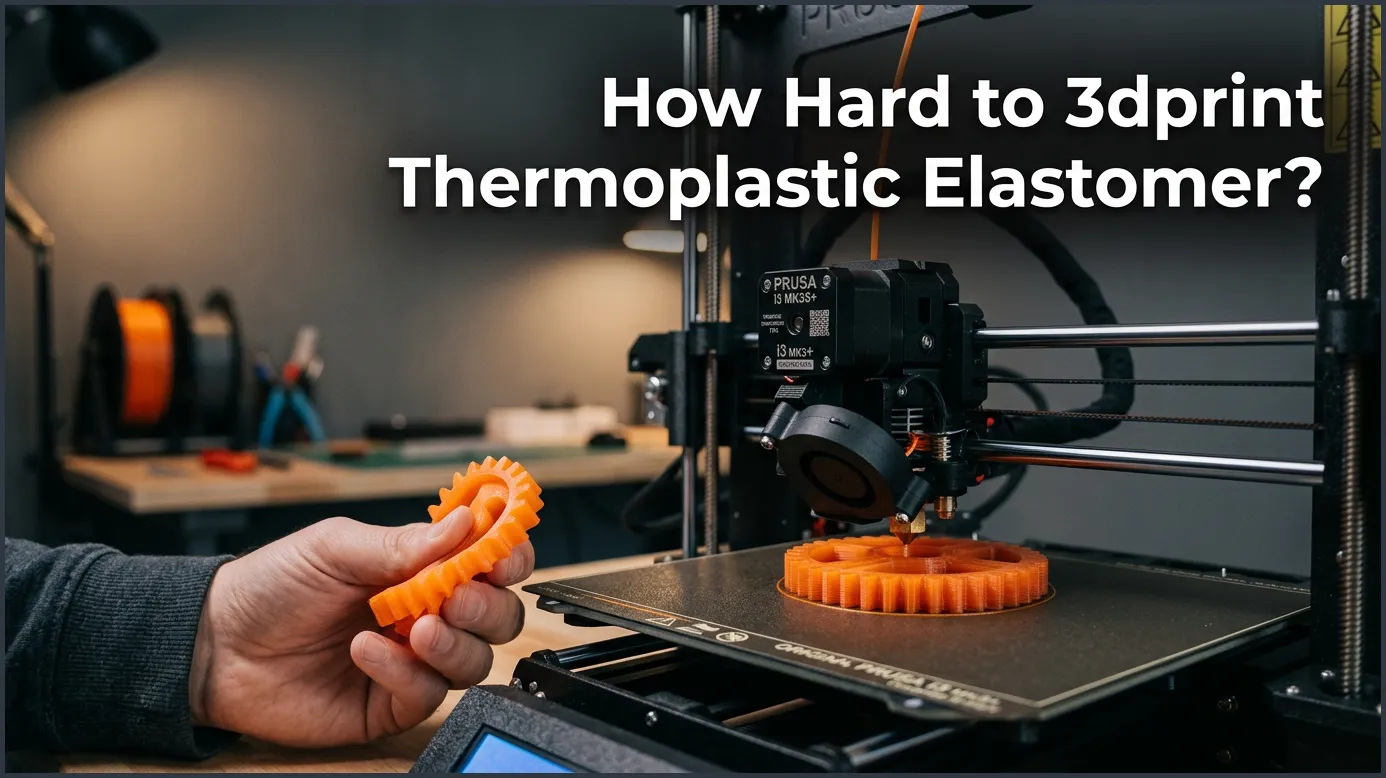
Printing thermoplastic elastomer (TPE) is moderately difficult and requires specific hardware configurations like a direct-drive extruder and dialed-in retraction settings. By controlling your print speed, keeping the filament dry, and using proper bed adhesion, you can successfully create highly flexible and durable parts.
Imagine wanting to print a custom phone case, a bouncy ball, or a soft gasket. You buy a roll of flexible filament, feed it into your printer, and hit go. Within minutes, you hear a clicking sound. A tangled mess of soft plastic wraps around your extruder gears. This frustrating moment is a rite of passage for many makers.
If you are standing before your machine with a spool of rubbery filament, you might wonder: how hard to 3dprint thermoplastic elastomer? While it is harder than printing standard PLA or PETG, it is not impossible. With the right knowledge, any hobbyist can master this rubber-like material without losing their sanity.
In this guide, we will break down the difficulty of printing thermoplastic elastomer (TPE). We will cover everything from hardware needs to slicer settings. By the end, you will feel ready to load up some flexible filament and create amazing, bendy parts.
Key Takeaways
- Extruder Type Matters: A direct-drive extruder is highly recommended over a Bowden tube setup to prevent filament buckling.
- Print Slowly: Keep your print speeds low, ideally between 15 and 30 millimeters per second, for smooth feeding.
- Keep It Dry: TPE absorbs moisture very quickly, so you must dry it before printing and store it in a dry box.
- Bed Adhesion: Use a glue stick or blue painter’s tape to prevent TPE from sticking too well and damaging your print bed.
- Adjust Extruder Tension: Loosen your extruder arm tension to avoid crushing the soft filament.
- Shore Hardness: Harder flexible filaments are much easier to print than very soft, rubbery ones.
Quick Answers to Common Questions
Is TPE harder to print than PLA?
Yes, TPE is much harder to print than PLA because it is highly flexible and prone to jamming in the extruder.
Can you print TPE on a Bowden extruder?
You can print TPE on a Bowden extruder, but you must print extremely slowly and use a firmer TPE blend to avoid jams.
Do you need a heated bed for TPE?
A heated bed is helpful but not strictly required; a bed temperature of 40°C to 50°C works best.
Is TPE filament waterproof?
Yes, printed TPE is highly waterproof and chemical-resistant, making it great for outdoor seals and gaskets.
How do you dry TPE filament?
You can dry TPE filament using a dedicated filament dryer or a food dehydrator at 50°C to 55°C for 4 to 6 hours.
📑 Table of Contents
Understanding Thermoplastic Elastomers (TPE)
To answer how hard to 3dprint thermoplastic elastomer, we must first look at the material science. TPE is not just one single material. It is a family of copolymer blends that combine plastic and rubber. This mix gives TPE its unique properties. It can stretch, bend, and flex, but it still melts when heated.
TPE vs TPU
You may have heard of both TPE and TPU. What is the difference? TPU, or Thermoplastic Polyurethane, is actually a type of TPE. TPU is slightly stiffer and easier to print. If you want to know the exact difference between TPE and TPU, think of TPE as the soft, rubbery parent and TPU as the firmer, more manageable child.
The Shore Hardness Scale
Flexible filaments use the Shore hardness scale to measure flexibility. This scale usually uses the letter “A” or “D.” A low number like 85A is very soft, like a rubber band. A higher number like 95A is firmer, like a shopping cart wheel. Knowing this number is key. The lower the number, the harder the filament is to print.
Why is it Hard to Print TPE?
When asking how hard to 3dprint thermoplastic elastomer, the physical behavior of the filament is the main hurdle. Unlike rigid plastics, TPE behaves like a wet noodle. This introduces several unique printing challenges.
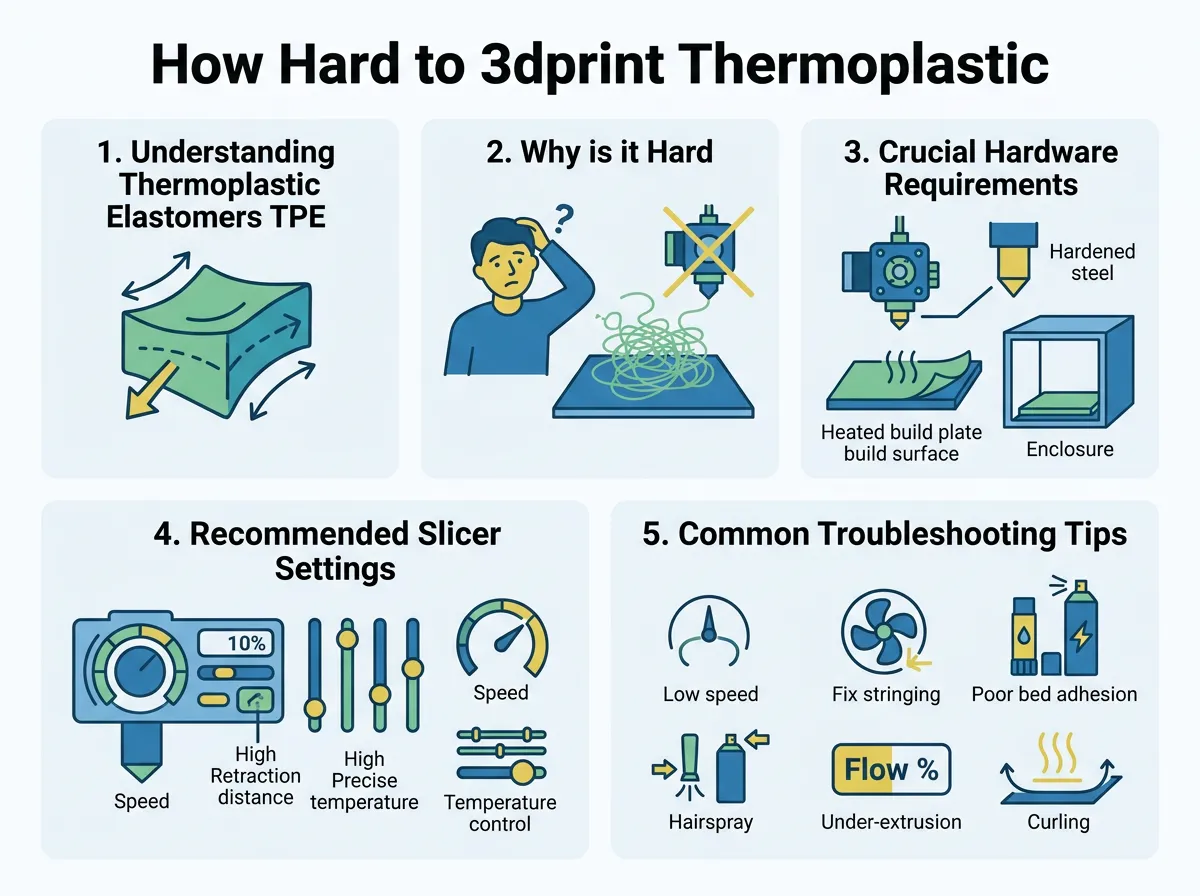
How Hard to 3dprint Thermoplastic Elastomer? — key points at a glance
The Noodle Effect
Think about pushing a piece of cooked spaghetti through a straw. If you push too fast, the spaghetti buckles and jams. The same thing happens to TPE inside your 3D printer. The extruder gear tries to push the soft plastic, but the filament bends and escapes out of any small gap.
Extreme Moisture Absorption
TPE is highly hygroscopic. This means it drinks water right out of the air. Even a few hours of exposure to humid air can ruin a spool. Wet TPE bubbles, pops, and strings badly during prints. This ruins both the strength and look of your parts.
Bed Adhesion Issues
Getting prints to stick is usually hard, but TPE has the opposite problem. It sticks too well to glass and PEI print beds. If you are not careful, a TPE print can fuse to your bed. When you try to remove it, you might tear a chunk out of your build plate.
Crucial Hardware Requirements for Success
If you ask an experienced maker how hard to 3dprint thermoplastic elastomer, their first question will be about your extruder. Your printer hardware makes a massive difference.
The Extruder Setup
There are two main extruder setups: Bowden and direct drive. A Bowden extruder has a long tube between the motor and the hotend. This tube makes printing TPE very hard because the filament has too much room to flex. A direct-drive extruder sits right on top of the hotend. This short path leaves no room for the filament to bend, making direct drive the best choice for TPE. You can find more detail on this in our TPE filament guide.
Nozzle Selection
You can use a standard brass nozzle for TPE. However, the size matters. A larger nozzle, like 0.6 mm, makes printing much easier. The wider opening reduces backpressure, which prevents the filament from buckling inside the extruder.
Filament Dryers
A filament dryer is not optional for TPE. You must dry your filament before you start. Many makers print directly from a heated dry box to keep the material safe from humidity during long prints.
Recommended Slicer Settings for TPE
Your slicer profile dictates how hard to 3dprint thermoplastic elastomer on your specific machine. You cannot use your standard PLA settings. You must slow down and adjust your feed rates.
Print Speed
Speed is the most important setting. For PLA, you might print at 60 mm/s or faster. For TPE, you must slow down to 15 to 30 mm/s. Slow printing keeps the pressure low in the hotend, which stops the filament from wrapping around your drive gears.
Retraction Settings
Retraction is when the printer pulls the filament back to stop oozing. For flexible materials, too much retraction causes instant jams. It is best to turn retraction off completely. If you must use it, keep the distance very low, around 1 to 2 mm, and keep the speed slow. Check out this guide to printing flexible materials for deeper insights into tuning these settings.
Temperature Settings
TPE likes to print hot. A typical temperature range is 220°C to 240°C. A hot nozzle melts the plastic quickly, which helps it flow easily. Keep your bed temperature around 40°C to 50°C, and always apply a glue stick as a release agent.
Common Troubleshooting Tips
To minimize how hard to 3dprint thermoplastic elastomer, you need to prepare for the inevitable issues like stringing and jams.
How to Stop Jams
If your extruder jams, first check your tension arm. Most extruders pinch the filament hard. For TPE, you must loosen this tension. If you pinch TPE too hard, it deforms and clogs the path.
Reducing Stringing
Because you cannot use normal retraction, TPE tends to leave fine hairs all over your print. To fix this, you can turn up your travel speed. This moves the nozzle quickly between print areas, breaking the thin hairs before they can form.
Safe Print Removal
Never print TPE directly on a bare bed. Always apply a layer of glue stick or hairspray first. This layer acts as a barrier. When the print is done, the glue dissolves with a little water, allowing your part to pop off safely.
Practical Applications and Real-World Examples
Once you overcome the initial learning curve, TPE opens up a world of design options. The material is incredibly tough and absorbs shock beautifully.
Functional Parts
You can print custom shock absorbers for RC cars, custom seals, and non-slip feet for furniture. You can view some incredible real-world flexible filament applications to see how industries use these parts to replace traditional rubber tooling.
Wearables and Prototyping
TPE is also great for watch bands, shoe soles, and ergonomic grips for hand tools. Its resistance to chemicals and oils makes it perfect for garage and workshop use.
Conclusion
So, how hard to 3dprint thermoplastic elastomer? While it certainly presents a steep learning curve, it is highly rewarding. If you have a direct-drive printer, dry your filament, and print slowly, you will find that TPE is a joy to work with. Take your time, adjust your slicer settings, and start enjoying the amazing world of flexible 3D printing!
Frequently Asked Questions
What is the best printing speed for TPE?
The best printing speed for TPE is between 15 and 30 mm/s. Printing any faster increases the pressure in the hotend, which can cause the soft filament to bend and jam your extruder gears.
Why does TPE stick too well to my print bed?
TPE has a high affinity for materials like PEI and glass, which makes it fuse to the surface as it cools. You should always use a glue stick or blue painter’s tape on the bed to act as a release agent.
Can I print TPE with a standard brass nozzle?
Yes, a standard brass nozzle works perfectly fine for printing TPE. However, using a larger nozzle size, like 0.6 mm, can help reduce backpressure and make the printing process much easier.
Is TPE toxic to print indoors?
TPE does not produce highly toxic fumes like ABS, but it can still emit microparticles and minor odors. It is always best to print in a well-ventilated room or use an enclosure with a filter.
What is the difference between Shore 85A and 95A TPE?
Shore 85A is much softer and more elastic, similar to a rubber band, making it harder to print. Shore 95A is stiffer, like a shopping cart wheel, which makes it much easier to feed through your printer.
Can you use retraction with TPE filament?
It is generally best to turn retraction off or keep it below 2 mm to prevent jams. Constant pulling and pushing of the soft filament can easily lead to it wrapping around the extruder gears.
