


To make a 3D model, you must select the right software, learn basic modeling techniques like extrusion, and practice with simple shapes. Once your digital object is complete, you can texture it, light it, or export it for 3D printing. With a bit of patience and the right tools, anyone can master this rewarding creative skill.
Have you ever played a video game? Did you wonder how the worlds were built? Or maybe you saw a cool plastic toy. Did you want to design one yourself? 3D modeling lets you bring your ideas to life. You can see them right on your screen. It is a super fun skill. Anyone can learn it with a little time and practice.
You do not need to be a math genius. You do not need to be an artist to start. Do you want to know how to make a 3D model? You are in the right place. We will guide you through the process. You will go from a simple shape to a finished object.
This post will show you the best tools to use. We will share simple tips. These tips will make your learning journey smooth. Let us dive in. We will see how to make a 3D model? today!
Key Takeaways
- Choose the Right Tool: Start with simple programs like Tinkercad or SketchUp before moving to Blender.
- Master Basic Shapes: Always use simple shapes like cubes and spheres to build complex models.
- Learn Key Techniques: Extrusion and loop cuts are the most important tools for shaping your mesh.
- Keep Projects Simple: Do not try to build huge projects on day one to avoid feeling overwhelmed.
- Keep Your Mesh Clean: Use clean, four-sided shapes to keep your 3D models running smoothly.
- Check for Print Safety: Make sure your model is watertight and exported as an STL file for 3D printing.
Quick Answers to Common Questions
What is the easiest free software for 3D modeling beginners?
Tinkercad is the easiest free tool because it lets you drag and drop simple shapes in your browser.
Do I need a powerful computer to make 3D models?
You do not need a fast computer for simple shapes, but advanced software like Blender runs better with a good graphics card.
How long does it take to learn 3D modeling?
You can learn the basic tools in just a few days, but mastering professional software takes several months of practice.
Can I turn a photo into a 3D model?
Yes, you can use photogrammetry software to stitch multiple photos of an object into a 3D model.
What is the best file format for 3D printing?
The STL file format is the most popular and widely accepted format for 3D printing software.
📑 Table of Contents
Choose Your 3D Modeling Software
To start, you need a computer program. There are many options. Some are free. Others cost money. You might ask yourself: how to make a 3D model? when there are so many options. The answer is to start with something simple.
Beginner-Friendly Software
If you are new, you should look for simple tools. Tinkercad is a great web-based tool for kids and beginners. It lets you drag and drop basic shapes to build objects. This tool runs in your web browser. You do not need to install anything. It is very fast and easy to use.
For a bit more control, you can try SketchUp. It is easy to learn. It is great for making buildings or rooms. Many architects use it. You can draw lines and pull them up into 3D shapes. If you want to learn more, you can read about creating 3D models with SketchUp online.
Advanced Software
Once you feel good about the basics, you can try advanced software. Blender is a free, open-source program. Professionals use it for movies and games. It has a lot of tools. It can be hard to learn at first. However, there are great guides to help you. For example, you can follow this tutorial on 3D modeling for free to learn Blender. When you learn how to make a 3D model? with Blender, you can create almost anything you want.
Understand the Main 3D Modeling Techniques
There are a few different ways to build objects in 3D. Each way is good for different kinds of projects. It is good to know how to make a 3D model? using different methods.
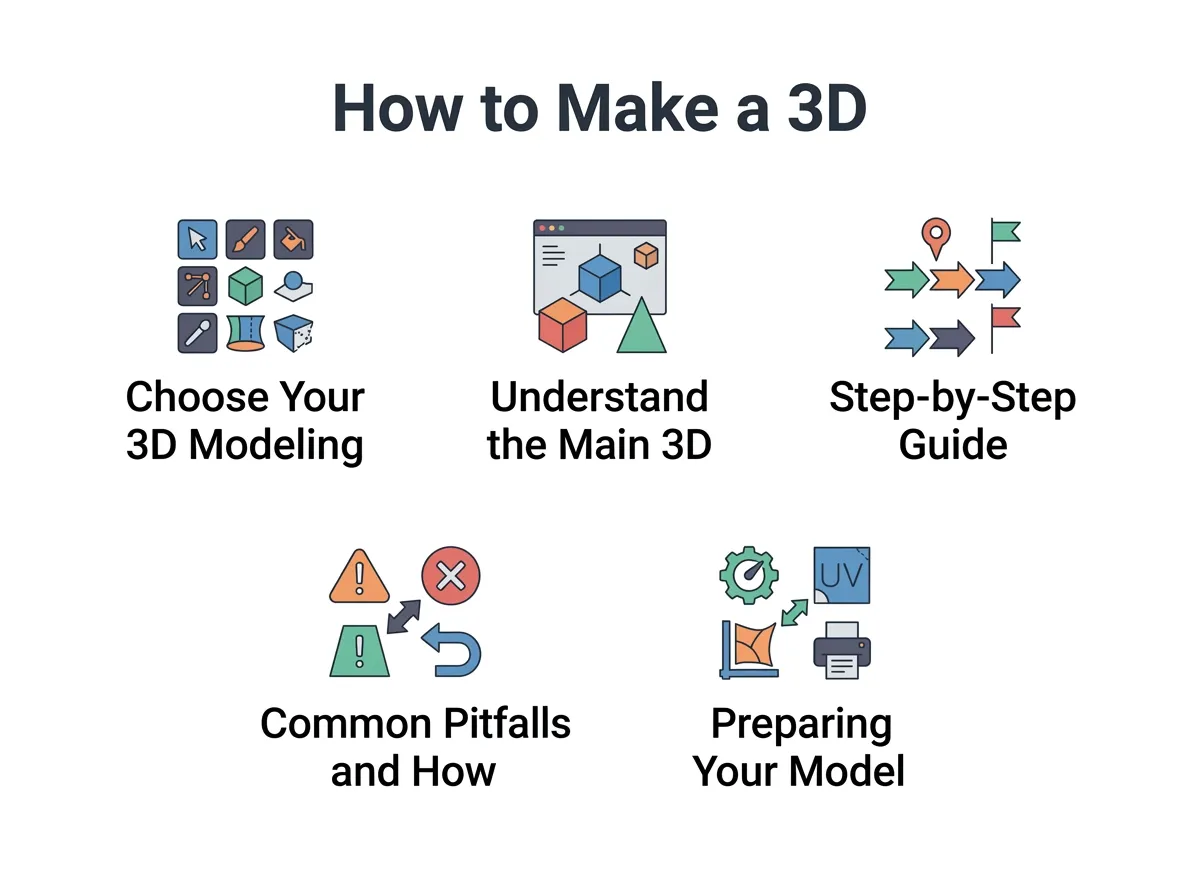
How to Make a 3D Model? — key points at a glance
Polygonal Modeling
This is the most common method. You build objects using small shapes called polygons. These are usually triangles or squares. You connect them to form a mesh. This mesh is like a skin over your object. It is a great way to think about how to make a 3D model? for games.
Digital Sculpting
Think of this like clay. You start with a big block. Then, you use digital brushes to push, pull, and carve the surface. This is perfect for organic shapes. You can make monsters, animals, or human faces. It feels very natural and artistic.
Photogrammetry
Did you know you can make models from photos? You take many pictures of a real object from all sides. Then, software turns those pictures into a 3D mesh. You can learn more about turning pictures into 3D models with modern software. This is a very fast way to get real objects into your computer.
Step-by-Step Guide to Your First Model
Are you ready to learn how to make a 3D model? with your own hands? Follow these simple steps to build your very first object.
Step 1: Start with a Concept
Do not just open the software and guess. Draw a quick sketch on paper first. Or find a picture online. Knowing what you want to build will save you a lot of time. Planning is key when you learn how to make a 3D model? from scratch.
Step 2: Use Basic Primitive Shapes
Every complex model starts as a simple shape. These are called primitives. They include cubes, spheres, and cylinders. If you want to build a house, start with a cube. If you want to build a cup, start with a cylinder. Place these shapes where they need to go.
Step 3: Modify and Refine
Now, make your shapes look real. You can stretch them or scale them. You can use a tool called extrusion. Extrusion lets you pull a flat face out to make a new 3D part. This tool is a big secret of how to make a 3D model? look realistic. You can use it to add details like doors to a house or a handle to a cup.
Step 4: Add Textures and Materials
A gray model can look boring. You need to add color and texture. You can make a surface look like wood, shiny metal, or soft cloth. This step makes your model look realistic and fun.
Common Pitfalls and How to Avoid Them
Learning a new skill can be hard. Many beginners make the same mistakes. Here is how you can avoid them.
Overcomplicating Your First Project
Do not try to build a whole castle on day one. You will get frustrated and want to quit. Start with a coffee mug or a simple table. When you learn how to make a 3D model? easily, you build confidence.
Ignoring Topology
Topology is the flow of the lines on your model. If your lines are messy, your model might look weird. Keep your grid neat. Use four-sided shapes when you can. This is a key part of how to make a 3D model? look great when it moves.
Forgetting to Save Your Work
Computers can crash. Software can close without warning. Always save your work. Try to save a new version every hour. This way, you will never lose your hard work.
Preparing Your Model for 3D Printing
Many people want to print their digital art. If you want to print your art, you need to know how to make a 3D model? that is solid and printable.
Making Your Model Watertight
A printable model must be watertight. This means it has no holes in its outer skin. If you poured water inside, none would leak out. You can learn about preparing your own 3D models for printing to make sure they are solid.
Choosing the Right Export Format
Once your model is ready, you must export it. The most common files for 3D printing are STL and OBJ. Your printer software needs these files to slice the model into layers. This is a key part of learning how to make a 3D model? for physical use.
Conclusion
Learning how to make a 3D model? is an exciting journey. It opens up a whole new world of digital art, game design, and 3D printing. The key is to start small and practice every day.
Do not worry if your first few models look a bit odd. Every great artist started exactly where you are now. Grab some free software, open a blank project, and start shaping your ideas today!
Frequently Asked Questions
Is 3D modeling hard to learn?
It can feel hard at first because the software has many buttons. However, if you start with simple shapes and watch free tutorials, you can learn the basics quickly. Practice is the most important part of the journey.
Can I make 3D models on my phone or tablet?
Yes, there are several mobile apps available for sculpting and modeling on tablets. Some popular options include Nomad Sculpt and Shapr3D. These tools work great with a stylus or pencil.
What is the difference between CAD and 3D modeling?
CAD software is used for engineering and precision design where exact measurements are needed. 3D modeling software is usually used for artistic projects, video games, and animation where visual style is more important.
How do 3D models get their color?
3D models get color from materials and textures. You can apply simple colors to the surface, or wrap a 2D image around the model to make it look like wood, metal, or stone.
Can I sell the 3D models I make?
Yes, you can sell your models on online marketplaces like TurboSquid, CGTrader, or Sketchfab. Many artists make a living by selling their digital designs to game developers and hobbyists.
What does watertight mean in 3D modeling?
Watertight means your model has a completely closed outer shell with no holes or gaps. This is very important for 3D printing because the printer needs to know where the inside and outside of the object are.
