


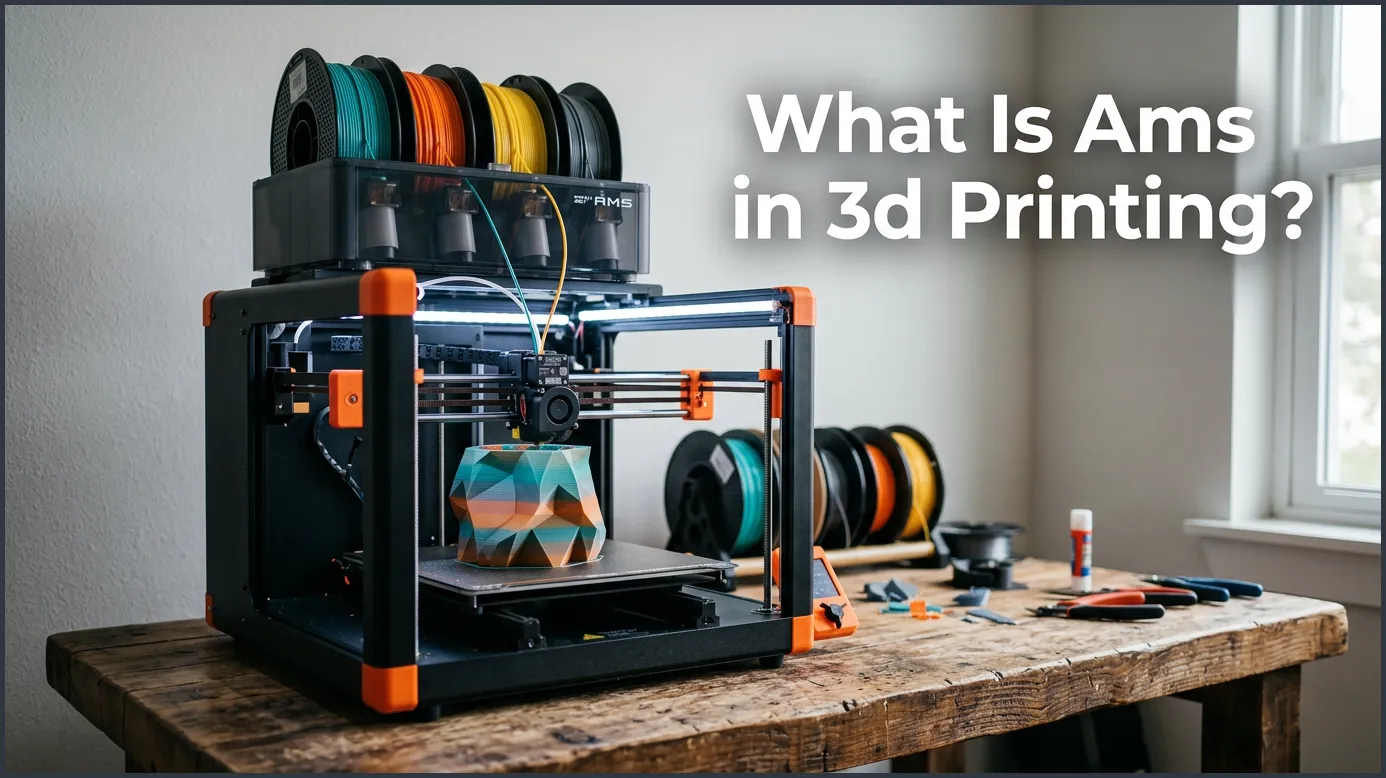
An Automatic Material System (AMS) is a smart device used in 3D printing to hold, dry, and feed multiple filaments into a single printer. It allows for seamless multicolor and multi-material printing by automatically switching spools during a print job. This tool eliminates the need for manual filament swaps, making your printing process much faster and easier.
Key Takeaways
- Automatic Spool Switching: An AMS automatically swaps filaments when one runs out or when a new color is needed.
- Multicolor Printing Made Easy: It lets you print objects with up to four different colors or materials at the same time.
- Humidity Control: The sealed chamber keeps your filament dry, protecting it from moisture damage.
- Saves Time and Effort: You no longer have to pause your prints and change filament spools by hand.
- Support Material Integration: It allows you to use easily removable breakaway or water-soluble support materials.
Quick Answers to Common Questions
Can I use cardboard spools in an AMS?
Yes, you can use cardboard spools, but they may slip on the internal rollers. It is best to use plastic adapter rings or transfer the filament to a plastic spool to prevent slipping.
How many colors can an AMS print at once?
A standard AMS unit can hold and print up to four colors at once. However, you can chain multiple units together on some printers to print with up to 16 colors.
Does an AMS keep filament dry?
Yes, the AMS is an airtight container that uses desiccant packs to keep moisture out. This dry environment protects your filament from ruin while it sits inside the box.
Does using an AMS waste a lot of plastic?
It does create some waste because the nozzle must be flushed out during every color change to prevent mixing. You can reduce this waste by tuning your purge settings in your slicing software.
Can an AMS print flexible filaments like TPU?
No, most AMS systems cannot reliably feed highly flexible filaments like TPU because they can bend and jam inside the feeding tubes. You should feed flexible materials manually using a side spool holder instead.
📑 Table of Contents
A New Way to Create
Imagine you are sitting at your desk. You have a great idea for a fun 3D print. You want to make a colorful toy dinosaur for a friend. It needs red skin, green scales, and bright yellow eyes. A few years ago, this project would have been a massive headache. You would have had to print each part in a different color and glue them together. Or you would have had to sit by your machine for hours. You had to wait, pause the print, swap the filament by hand, and press play again. It was a very slow and painful process. If you made just one small error, the whole print was ruined.
Today, things are very different. A new technology has changed the way we make things at home. This hardware makes multicolor prints as easy as clicking a button on your screen. You do not have to sit by your machine and wait. You do not have to mess with hot nozzles or manual swaps. It is a real game-changer for makers everywhere.
In this guide, we will look at this technology in detail. We will talk about how it works, what makes it so special, and the downsides you should know about. We will also share some easy tips to help you get the best results. Let us dive in and explore this amazing tool.
What Is AMS in 3D Printing?
If you have been looking at new printers lately, you have probably seen these three letters. But what is AMS in 3D printing anyway? AMS stands for Automatic Material System. It is a smart box that sits on top of or right next to your 3D printer. This box holds multiple rolls of plastic filament at the same time. Most of these boxes hold up to four separate spools of filament.
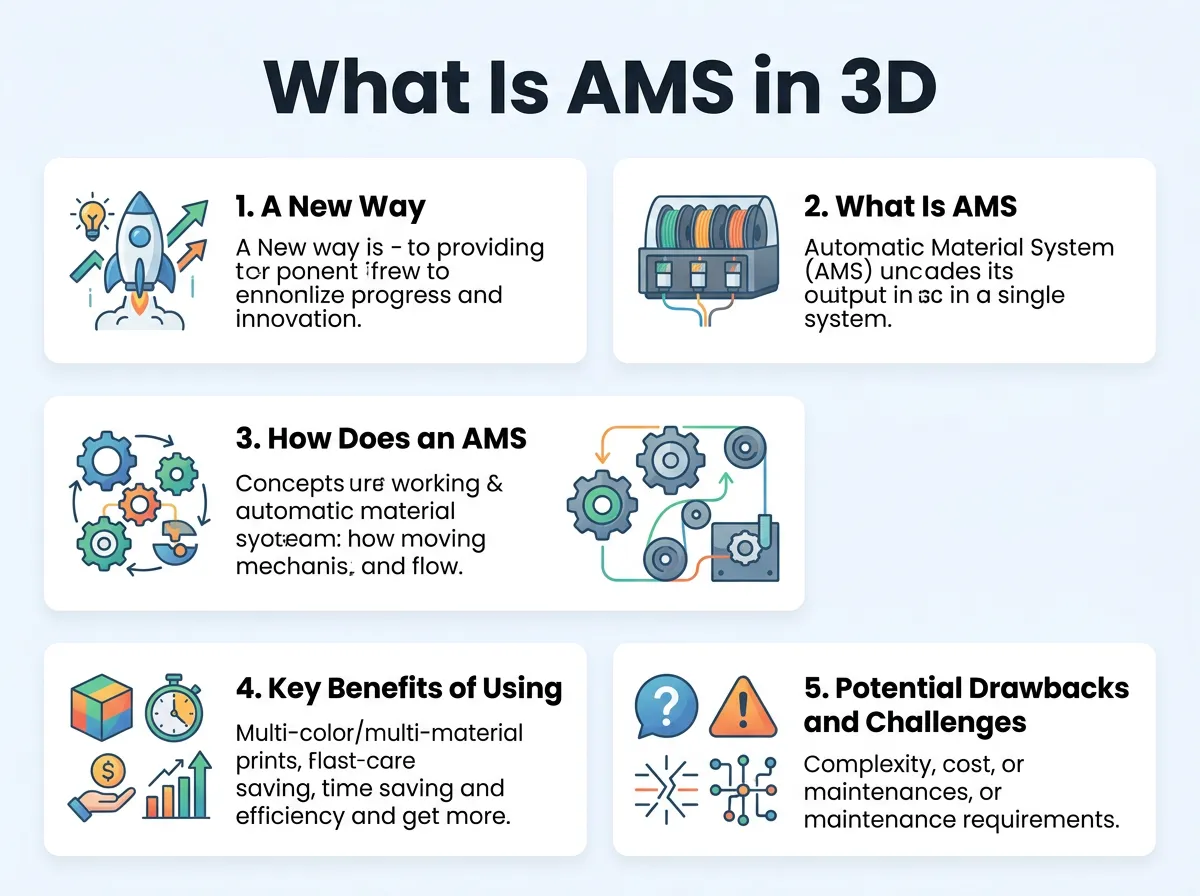
What Is AMS in 3D Printing? — key points at a glance
The main goal of this box is to feed these filaments into your printer automatically. You do not have to touch the machine when a color change happens. The printer talks to the box, and the box does all the hard work. It pulls the old filament out of the hot end and pushes the new one in. This makes the entire process hands-free from start to finish.
This system was made famous by a company called Bambu Lab. They wanted to make desktop manufacturing simple, clean, and fast. To learn more about this system, you can check out this guide on what is AMS in 3D printing. It explains how this unit fits into the modern maker space. While other companies now make similar tools, the term AMS is still the most common name for this helpful hardware. The rise of the AMS in 3D printing has opened up new doors for creators who want to make complex, multi-colored models without the stress.
How Does an AMS Actually Work?
It might look like magic when your printer changes colors on its own. But it is actually a neat mix of smart software and simple mechanics. There are three main parts to how this system gets the job done.
The Feeding Mechanism
Inside the box, there are small motors for each spool slot. These motors roll the spools to feed the plastic line into a series of tubes. The tubes go all the way to the print head. When the print starts, the box pushes the active plastic forward. When it is time to change colors, the motor spins in reverse. It pulls the plastic back into the box. Then, the next motor spins to push a new color forward. This clever feeding loop is the heart of the AMS in 3D printing.
Filament Cutters and the Purge Tower
Before a new color can start printing, the old plastic must be cleared out. The printer has a tiny blade that cuts the filament near the hot end. The printer then pushes the leftover hot plastic out of the nozzle. This is why you see small piles of waste plastic next to the machine. The printer also draws a small block on the bed, called a purge tower. This cleans the tip so the colors do not mix and look muddy. It ensures that your white plastic stays white, even right after printing black.
Smart RFID Tech
Many modern systems use radio-frequency identification (RFID) tags. These tags are placed on the side of the filament spools. When you put a spool into the box, the system reads the tag. It instantly knows the color of the plastic and the type of material. It can tell if you are using PLA, PETG, or ABS. This is very helpful because it sets the right temperatures for you automatically. You can read more about how this works on the official Bambu Lab AMS blog. This level of automation is a big reason why the AMS in 3D printing is so popular.
Key Benefits of Using an AMS
Using an automatic system makes printing much more fun and productive. Here are the biggest reasons why people love using an AMS in 3D printing.
True Multicolor Creativity
The most obvious benefit is color. You are no longer stuck with single-color prints. You can paint your models in your slicing software. The printer will then bring those colors to life. You can make beautiful signs, multi-colored action figures, and detailed art pieces. It lets you create things that look like finished retail products right off the build plate.
Automatic Spool Backup
Have you ever run out of filament right at the end of a long print? It is a sad feeling that every maker knows. With an AMS in 3D printing, you do not have to worry. If you put two spools of the same color in the box, the system is smart. When the first spool runs out, the system will swap to the second spool on its own. Your print keeps going while you sleep, saving your project from failing.
Dry Storage Protection
Wet filament can cause bubbles, strings, and weak prints. The AMS box is airtight. It has slots inside where you can place small packs of desiccant. These packs soak up any water in the air. This keeps your plastic dry and ready to print at all times. For a simple breakdown of how this benefits your setup, read about the Bambu Lab AMS simply explained. Keeping your plastic dry is key to getting clean, smooth results with an AMS in 3D printing.
Potential Drawbacks and Challenges
While this tool is amazing, it is not perfect. There are some downsides you should know about before you buy one. Understanding these limits will help you get the most out of your AMS in 3D printing.
Filament Waste
Because the printer must clear the nozzle during every color change, it creates waste. If your model has many color swaps on every layer, you will end up with a lot of discarded plastic. Sometimes, the waste pile can weigh more than the print itself. You can reduce this by printing multiple items at once, but it is still something to keep in mind when using an AMS in 3D printing.
Spool Compatibility Issues
Not all plastic spools are the same size or shape. The rollers inside the box need spools that are round and smooth. Cardboard spools can sometimes slip on the rollers. They can also leave cardboard dust inside the machine, which can clog the gears. Very wide spools might not fit inside the box at all. You may need to transfer your filament to a plastic spool or print plastic rings to go over cardboard edges.
Slower Print Times
Each color swap takes about a minute or two. If a print has hundreds of layers and many color changes, those minutes add up fast. A print that would take three hours in one color might take ten hours in multiple colors. Patience is a must when you work with an AMS in 3D printing.
Tips for Getting the Best Results
To get the most out of your setup, you should follow a few easy rules. These tips will help you save plastic and prevent jams.
Choose the Right Spool Size
Always check your spool sizes. If a spool is too tight, the motors will struggle to pull the filament. This can lead to print errors and paused jobs. Try to stick to standard plastic spools that are about 200 millimeters wide. This is the sweet spot for most systems.
Use Dry Desiccant Packs
Do not forget to change your desiccant. Over time, the packs inside the box will fill with moisture. When they get wet, they stop working. Check them every few months and replace them with fresh ones. This simple step keeps your filament safe and ensures your AMS in 3D printing runs smoothly.
Optimize Your Purge Settings
You can change how much plastic the printer wastes in your slicing software. If you are switching from a light color to a dark color, you do not need to purge as much. But if you switch from black to white, you need a larger purge to keep the white clean. Tweaking these numbers can save you a lot of plastic over time. For more help, you can read about how to use AMS in 3D printing to get cleaner results. It is a great way to cut down on waste and speed up your print jobs.
Is an AMS Right for You?
Now that you know the facts, you might wonder if you should get one. It depends on how you use your printer. If you only print functional parts like brackets or gears, you may not need multicolor prints. A single-color setup is fine for most basic tools. But if you print toys, models, art, or prototypes, this system is a game-changer. It saves you from painting your prints by hand. It also keeps your workspace clean and organized. It turns your printer into a true multi-tool.
Conclusion
An Automatic Material System is a big step forward for the maker community. It takes away the stress of manual color changes. It keeps your plastic dry and safe from dust. While it does create some waste and can slow down prints, the creative freedom it offers is unmatched. If you want to take your hobby to the next level, using an AMS in 3D printing is one of the best choices you can make.
Frequently Asked Questions
What does AMS stand for in 3D printing?
AMS stands for Automatic Material System. It is an airtight, motorized box that automatically feeds and manages multiple filament spools for your 3D printer.
Can I use any brand of filament in an AMS?
Yes, you can use third-party filament brands as long as the spool fits the size limits of the box. However, non-proprietary spools will not have the RFID tags that automatically set your printing temperatures.
How do I stop my AMS from wasting too much filament?
You can lower your waste by adjusting the flushing volumes in your slicer software to the lowest clean setting. Another trick is to print multiple identical items at the same time, which splits the waste among more parts.
Is an AMS hard to set up?
No, setting up an AMS is usually very easy and takes only a few minutes. It mostly involves plugging in a single data cable and connecting the PTFE guide tubes to your printer.
Can I print with different materials like PLA and PETG together?
Yes, you can mix materials, which is great for using water-soluble support structures. However, you must make sure the materials can bond together if they are part of the same solid model.
Why is my AMS blinking red?
A blinking red light usually means there is a filament jam, a feeding error, or a spool that has run out of plastic. You can easily fix this by opening the unit, clearing the path, and reloading the filament.
