


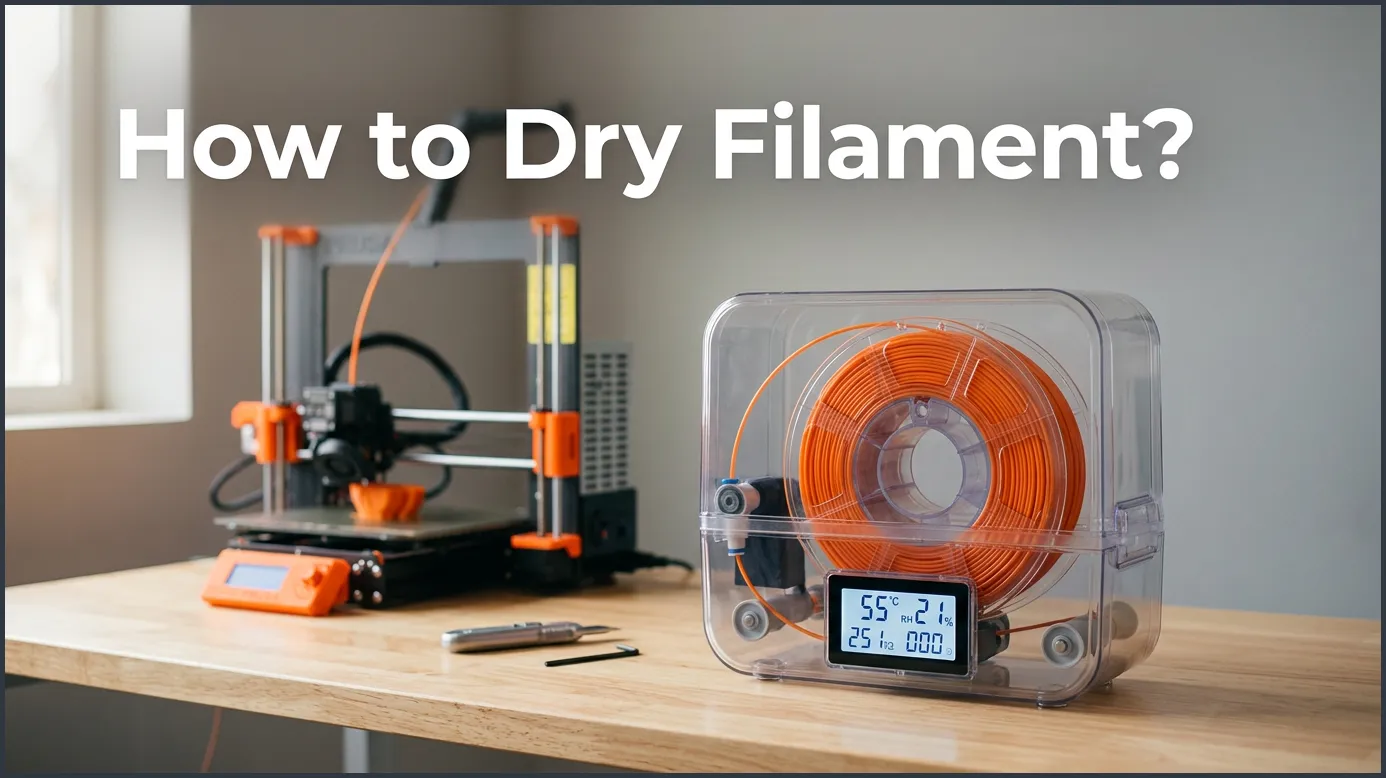
Drying your 3D printing filament is essential for high-quality prints, as wet filament causes stringing, bubbles, and weak parts. You can easily dry your filament using a dedicated filament dryer, a food dehydrator, or a standard kitchen oven at low temperatures. Keeping your spools dry ensures smooth extrusion and strong, beautiful prints every single time.
Picture this: you have spent hours designing the perfect 3D model. You load your favorite spool of plastic, hit print, and walk away with a smile. But when you return, you find a messy nest of plastic threads, ugly blobs, and weak walls. Your print is ruined, and you do not know why. This frustrating situation happens to almost every 3D printing fan at some point.
The hidden enemy behind most failed prints is moisture. Plastic materials love to absorb water from the air around them. This tiny amount of trapped water turns to steam inside your hot printer nozzle, causing all sorts of printing headaches. Fortunately, there is a simple fix that can save your prints and your sanity.
In this guide, we will explore exactly how to dry filament? We will show you how to get your prints looking smooth and professional again. We will cover the best tools for the job, safety tips to avoid melting your spools, and easy ways to keep your plastic dry for future projects. Let us dive in and fix those printing issues once and for all!
Key Takeaways
- Moisture Ruining Prints: Wet filament causes issues like stringing, popping noises, and poor layer adhesion.
- Heat Settings Matter: Different materials require different drying temperatures (PLA needs lower heat than PETG or ABS).
- Best Tools: Dedicated filament dryers are the safest and most convenient option for beginners.
- Budget Friendly DIY: Food dehydrators work as excellent, budget-friendly drying stations.
- Oven Risks: Kitchen ovens can work but pose a high risk of melting the plastic spool if not monitored closely.
- Smart Storage: Store dried filament in airtight containers with silica gel packs to keep moisture away.
Quick Answers to Common Questions
Can I dry PLA in a microwave?
No, you should never dry your filament in a microwave. Microwaves heat water molecules rapidly and unevenly, which will melt or ruin your plastic spool in seconds.
How long does it take to dry PETG?
It typically takes about 4 to 6 hours to dry PETG. You should heat it at a steady temperature of around 60 to 65 degrees Celsius.
Can I print directly from a filament dryer?
Yes, many dedicated filament dryers have small exit holes that allow you to feed the plastic directly to your printer while it heats. This is highly recommended for moisture-sensitive materials like Nylon.
Does brand new filament need to be dried?
Yes, brand new spools can sometimes absorb moisture during the manufacturing or packaging process. Drying new spools before your first print is a great way to ensure perfect results.
How often should I dry my spools?
You should dry your spools whenever you notice signs of wetness like popping sounds, or after they have been left exposed to humid air for several days.
📑 Table of Contents
Why Does 3D Printing Filament Get Wet?
To fix the issue, we first need to understand why it happens. It might seem strange that solid plastic can hold water. However, plastic is much more like a sponge than you might think. Even in a seemingly dry room, air contains invisible water vapor that slowly creeps into your printing materials.
What is Hygroscopy?
Most plastics used in 3D printing are hygroscopic. This is a fancy scientific word that simply means they attract and hold water molecules from the air. Some materials, like Nylon, absorb water incredibly fast. A spool of Nylon can get too wet to print within just a few hours of being left in the open air. Other materials, like PLA, absorb water much slower, but they still get wet over time.
Signs Your Filament is Wet
How do you know if your plastic has absorbed too much water? You do not need any special tools to find out. Just look and listen closely during your next print. If you notice any of these signs, it is time to dry your plastic:
- Popping or hissing sounds: You hear tiny crackling noises at the hot end of your printer. This is the sound of water rapidly boiling into steam.
- Excessive stringing: Fine, hair-like plastic webs stretch across your model.
- Rough surface texture: The sides of your print look bumpy, uneven, or have tiny bubbles.
- Brittle plastic: The raw plastic snaps very easily when you try to bend it off the spool.
- Poor layer adhesion: The printed layers do not stick together well, making the final model weak and easy to break.
The Best Methods: How to Dry Filament?
Once you know your plastic is wet, you need to remove that moisture safely. You cannot just dry it with a towel. The water is trapped deep inside the plastic strand itself. You must use gentle, steady heat to drive the water out. Here are the three most common and effective methods to dry your materials.
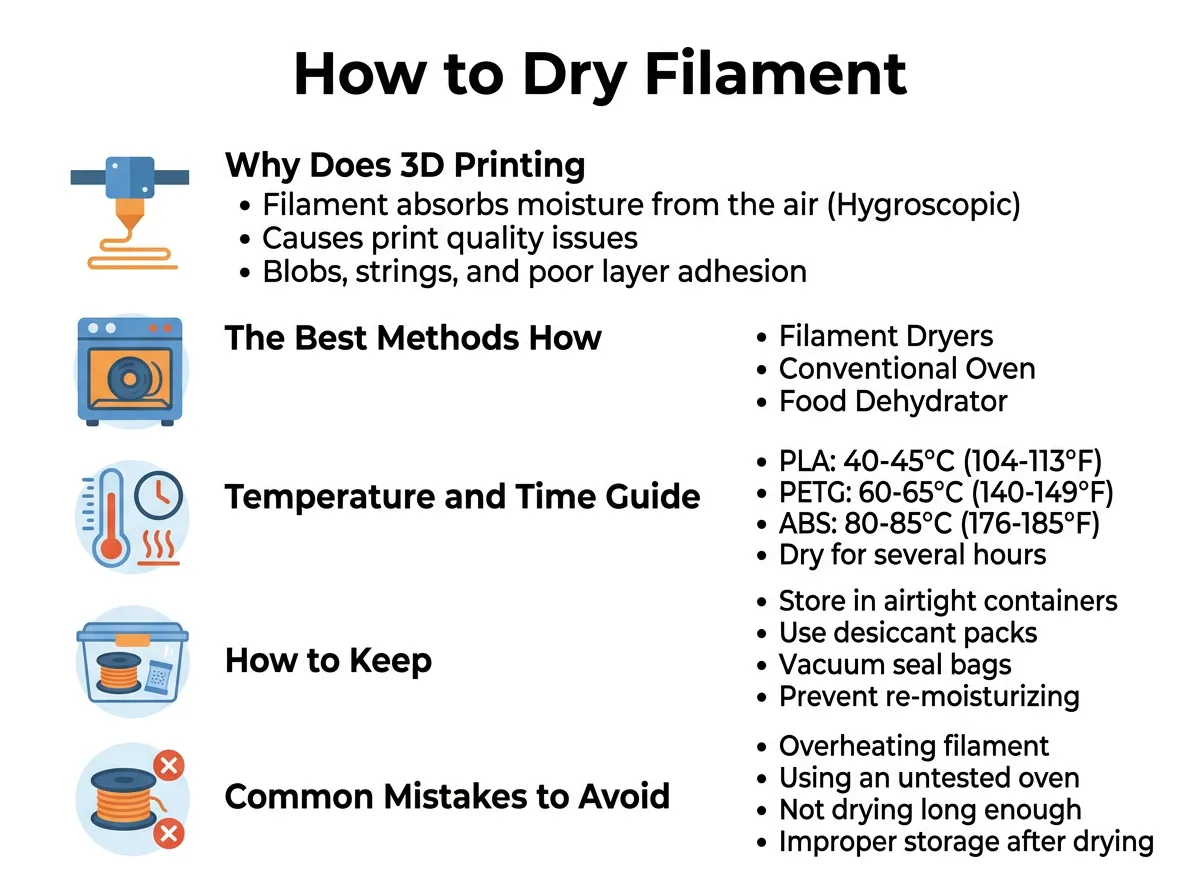
How to Dry Filament? — key points at a glance
Method 1: Using a Dedicated Filament Dryer
If you want the easiest and safest solution, a dedicated filament dryer is your best choice. These are small, purpose-built appliances made specifically for 3D printing fans. You simply place your spool inside, select the material type on the digital screen, and let it run. Many models even let you print directly from the dryer while it keeps the spool warm.
Dedicated dryers are great because they have built-in fans to circulate the warm air. This ensures even heating and prevents hot spots that could melt your plastic. They also run very quietly and use very little electricity compared to a kitchen oven.
Method 2: The Food Dehydrator Trick
Do you want a budget-friendly option that works just as well as a dedicated dryer? A food dehydrator is a fantastic alternative. These devices are designed to remove water from fruits and meats using low heat and continuous airflow. This is exactly what your plastic spool needs.
To use a food dehydrator, you may need to clip away some of the plastic trays inside to create enough vertical space for a full spool. Once you make room, simply place the spool inside, set the dial to the correct temperature, and walk away. It is safe, cheap, and highly effective.
Method 3: Using Your Home Oven
If you need to dry your plastic right now and do not want to buy new tools, you can use your kitchen oven. However, you must be extremely careful. Most kitchen ovens are not very good at holding low temperatures. They often overshoot their target temperature when they first turn on, which can quickly ruin your plastic.
To use this method safely, preheat your oven to its lowest possible setting. Use a separate oven thermometer to verify the actual temperature inside before putting your spool in. Never place your spool directly on the metal racks; place it on a baking sheet lined with parchment paper. Keep a close eye on it to ensure the plastic spool does not melt or warp.
Temperature and Time Guide for Different Materials
Different plastics melt at different temperatures, which means they also require different temperatures to dry safely. If you heat your plastic too much, it will fuse together on the spool, turning your expensive material into a useless block of solid plastic. Use this simple guide to keep your materials safe.
PLA Drying Settings
PLA is the most popular 3D printing material. It is easy to use but has a low melting point. Therefore, you must use very gentle heat. Dry your PLA at around 40 to 45 degrees Celsius (104 to 113 degrees Fahrenheit) for about 4 to 6 hours.
PETG and ABS Drying Settings
PETG and ABS are tougher plastics that can handle more heat than PLA. However, they are also highly prone to absorbing moisture. You should dry both PETG and ABS at about 60 to 65 degrees Celsius (140 to 149 degrees Fahrenheit) for 4 to 6 hours. This higher heat will quickly drive out any trapped water.
Nylon and TPU Drying Settings
Nylon and TPU are extremely thirsty materials. They act like sponges and require serious drying before you can print with them. Dry Nylon and TPU at 70 to 75 degrees Celsius (158 to 167 degrees Fahrenheit) for at least 8 to 12 hours. For Nylon, it is often best to dry it right before you print, or even print directly from a heated dry box.
How to Keep Your Filament Dry After Drying
Drying your plastic takes time and energy, so you do not want to repeat the process every single day. The best strategy is to keep your spools dry in the first place. By storing your materials correctly, you can protect them from the air and keep them ready to print at a moment’s notice.
Dry Boxes and Airtight Bins
Never leave your plastic spools sitting out on your printer when you are not using them. Instead, store them in airtight plastic bins. You can buy cheap plastic storage boxes with rubber seals around the lids. Place your spools inside these boxes as soon as you finish a print to keep the moist room air away from them.
The Power of Silica Gel
Airtight bins keep new air out, but they still trap some air inside when you close the lid. To remove this remaining moisture, add several packs of silica gel desiccant to your storage bin. You can use the small paper packets that come with shoes and electronics, or buy larger, rechargeable silicone beads that change color when they are full of water. These beads will actively pull water out of the air, keeping your storage box bone-dry.
Common Mistakes to Avoid When Drying Filament
Drying plastic seems simple, but a few small mistakes can ruin your materials. Here are the top errors to watch out for so you do not waste your hard-earned money.
Overheating Your Spool
It can be tempting to turn the heat up high to dry your plastic faster. Do not do this! High heat will soften the plastic strands, causing them to stick to each other. Once the strands fuse together, you will not be able to unspool the plastic, and you will have to throw the whole roll away. Always stick to the recommended temperatures and be patient.
Relying on Simple Storage Without Drying First
Many makers think that putting a wet spool into an airtight box with silica gel will dry it out. Unfortunately, silica gel is not strong enough to pull water out of the plastic itself; it only keeps dry plastic from getting wet. If your spool is already wet, you must heat it up first to drive the moisture out. Once it is dry, then you can use your dry box to keep it that way.
Conclusion
Dealing with wet 3D printing plastic can be highly frustrating, but it is a very easy problem to solve. By learning how to dry filament?, you can instantly improve your print quality. Your models will have smoother surfaces, fewer strings, and much stronger layers. Remember to store your dry spools in airtight bins with silica gel, and you will enjoy hassle-free 3D printing for years to come. Happy printing!
Frequently Asked Questions
How do I know if my 3D printer filament is wet?
You can tell your filament is wet if you hear popping or crackling sounds at the nozzle during a print. Other common signs include excessive stringing, rough print surfaces, and brittle plastic that snaps easily when bent.
What is the cheapest way to dry 3D printing filament?
The cheapest way to dry filament is by using a modified food dehydrator or your kitchen oven on its lowest setting. However, a food dehydrator is much safer than an oven because it distributes heat more evenly and will not melt your spool.
Can I use silica gel packs to dry out wet filament?
No, silica gel packs cannot dry out plastic that is already wet. Silica gel is only useful for keeping already dry plastic from absorbing more moisture while it is stored inside an airtight container.
What happens if I dry my filament at too high of a temperature?
If the temperature is too high, the plastic strands on the spool will soften and fuse together. This turns the entire roll into a solid, unusable block of plastic that cannot be fed into your 3D printer.
Do I need to dry PLA filament?
Yes, although PLA absorbs moisture slower than materials like Nylon or TPU, it still gets wet over time. Drying your PLA will significantly reduce stringing and improve the overall surface quality of your prints.
Is a dedicated filament dryer worth buying?
Yes, a dedicated filament dryer is highly recommended if you print frequently or use sensitive materials like Nylon and TPU. It provides a safe, quiet, and consistent heat source that eliminates the risk of melting your spools.
