


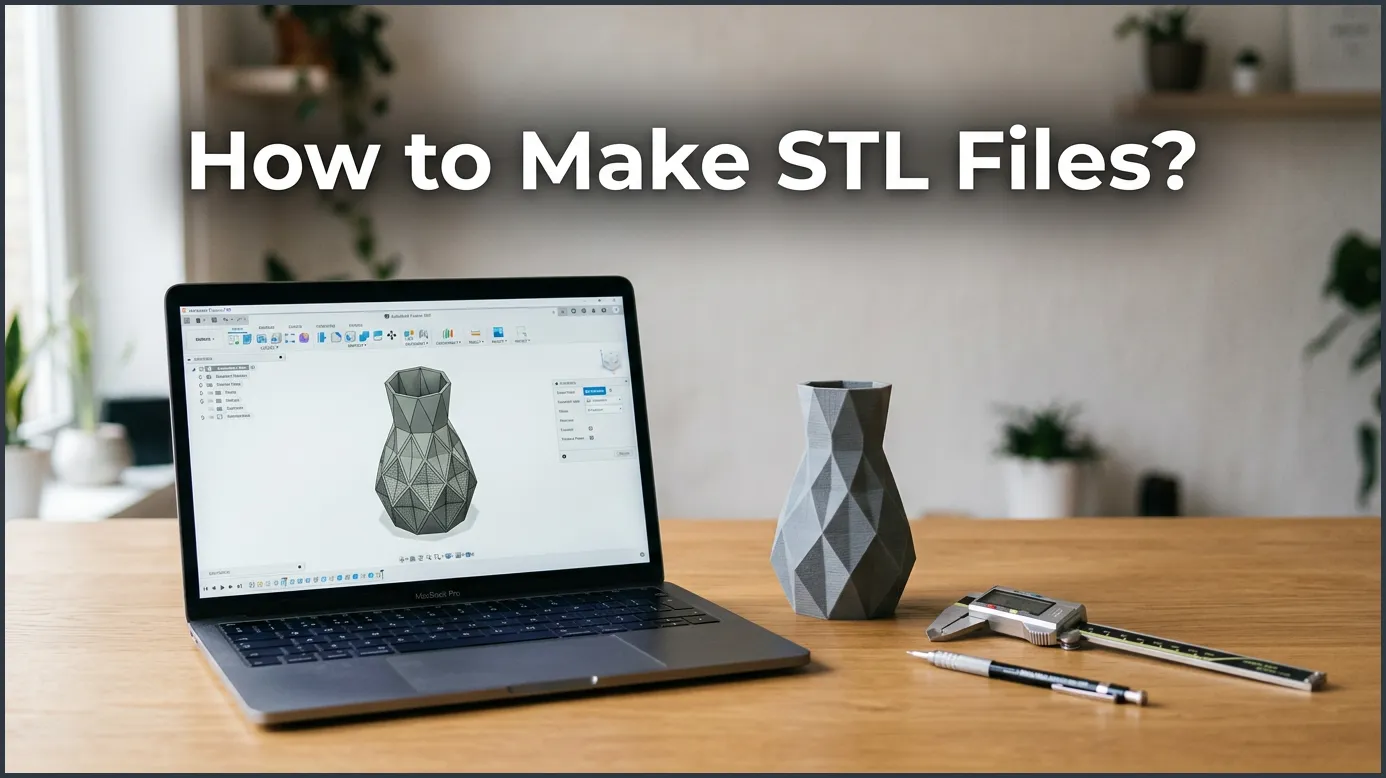
To make STL files, you can design an object from scratch using 3D modeling software like Tinkercad, Fusion 360, or Blender. Once your design is finished, you simply export the file as an STL using the software’s export menu. This file can then be loaded into a slicer program to prepare it for your 3D printer.
Key Takeaways
- Choose the right software: Beginners should start with simple tools like Tinkercad, while advanced users can use Fusion 360 or Blender.
- Design with 3D printing in mind: Ensure your model is manifold (watertight) and has flat surfaces for bed adhesion.
- Select the correct file format: Always export as binary STL to save storage space and ensure faster processing.
- Check resolution settings: Adjust chord height and angle tolerance to balance file size and print quality.
- Fix errors before printing: Use repair tools like Netfabb or 3D Builder to patch any broken meshes.
- Use conversion tools: You can convert OBJ or CAD formats into STL using free online converters or standard design software.
Quick Answers to Common Questions
What software is best for making STL files?
Tinkercad is the best free software for beginners, while Fusion 360 is ideal for precise mechanical parts. Blender is the top choice for sculpting artistic and organic models.
Can I turn a 2D JPEG image into an STL file?
Yes, you can convert a JPEG image into an STL file by first converting it to an SVG vector file. You can then import the SVG file into a 3D design tool like Tinkercad and give it thickness.
What is the difference between ASCII and binary STL files?
ASCII STL files save data in plain text, making them very large and slow to load. Binary STL files save data in a compressed format, which results in much smaller file sizes and faster loading times.
Do STL files contain color information?
No, standard STL files do not store color, texture, or material information. They only describe the physical shape and surface geometry of the 3D object.
How do I fix a corrupted or broken STL file?
You can fix broken or non-manifold STL files using free repair tools like Windows 3D Builder or Netfabb. These programs automatically find and patch any holes or overlapping edges in the 3D mesh.
📑 Table of Contents
Understanding the STL File Format
Have you ever seen a 3D printer in action? It looks like magic. It builds objects layer by layer. But before the printer can start, it needs a map. That map is a digital 3D model. In most cases, that model is saved as an STL file. If you are new to this hobby, learning how to make STL files is your very first step. Once you master this skill, you can bring any idea to life.
Do not let the tech terms scare you. Creating these files is much easier than it sounds. You do not need to be a math genius or a professional artist. With the right tools and a little practice, anyone can do it. In this guide, we will walk you through the entire process step by step. We will cover the best software, simple design rules, and how to avoid common mistakes.
What is an STL File?
STL stands for stereolithography. It is the most common file format used in 3D printing. An STL file describes the surface geometry of a 3D object. It does this by using a mesh of tiny triangles. These triangles fit together like a puzzle to form a solid shape. Understanding how to make STL files requires knowing how these triangles fit together. If you want to study the details of this format, you can read Adobe’s guide on STL files to see how they work. The more triangles a file has, the smoother the object will look. However, more triangles also mean a larger file size. Finding the right balance is key.
Why STL is Crucial for 3D Printing
Why do we use STL instead of other formats? The answer is simple. 3D printers cannot read standard 3D CAD files. They need a simple mesh format. Slicing software takes the STL file and cuts it into thin, flat layers. The printer then reads these layers to lay down plastic. Once you know how to make STL files, you have the key to 3D printing. It is the standard language of the making community.
Step-by-Step Guide to Creating an STL File
Creating your own 3D design is a fun process. It involves three basic phases. Let us break down how to make STL files from scratch using a simple workflow.
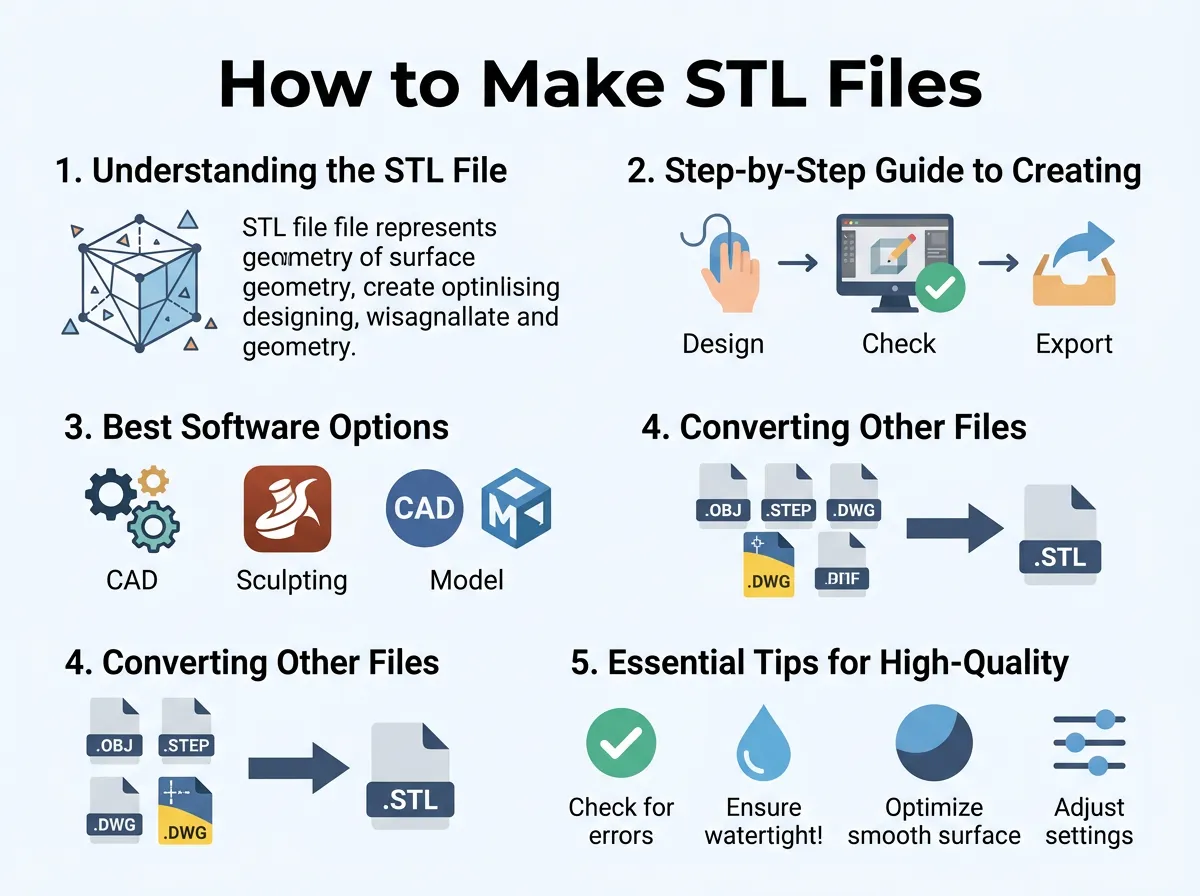
How to Make STL Files? — key points at a glance
Step 1: Choose Your Software
First, you need a tool to draw your design. There are many programs available today. Some are free and run in your web browser. Others are professional tools that require a download. When deciding how to make STL files, choosing software that matches your skill level is very important. For beginners, we recommend starting with free, web-based tools. They let you learn the basics of 3D space without any cost.
Step 2: Build Your 3D Model
Once you open your software, you can start building. You can combine simple shapes like boxes, spheres, and cylinders. You can also draw flat lines and pull them up into 3D. This is called extruding. When planning how to make STL files, always think about the print orientation. Keep your design simple at first. A basic desk organizer or a custom keychain is a great starting project.
Step 3: Export to STL
When your design looks perfect, it is time to export. Look for the export button in your software menu. Choose “STL” from the list of options. Most programs will ask if you want binary or ASCII format. Always choose binary. It makes the file size much smaller and easier to share. This is the final step in how to make STL files that are ready for your printer.
Best Software Options for Making STL Files
Choosing the right design tool is important. Your choice depends on what you want to make. Let us look at three great options for different skill levels.
Tinkercad: Perfect for Beginners
Tinkercad is a free online tool made by Autodesk. It is the absolute best place to start. You do not need to download anything. It works by combining basic shapes. You can add blocks together or use shapes to cut holes in other shapes. If you want to know how to make STL files quickly, Tinkercad is your best bet. It is highly visual and very easy to learn.
Fusion 360: Great for Mechanical Parts
Do you want to make functional parts? Maybe you need a replacement gear or a bracket for your wall. Fusion 360 is the tool for you. It is a powerful CAD program. It lets you use precise measurements. You can sketch in 2D and then turn those sketches into highly accurate 3D parts. It is free for hobbyists and students. If you are in school, checking out A.T. Still University’s 3D printing guide offers excellent tips on design creation for educational projects.
Blender: Ideal for Artistic Sculpting
If you want to design figures, monsters, or art, you need Blender. Blender is a free, open-source 3D tool. It has digital clay tools. You can sculpt organic shapes just like real clay. It has a steeper learning curve than other tools. However, it gives you complete creative freedom. If you want to know how to make STL files for characters or figurines, Blender is your best option.
Converting Other Files to STL
Sometimes, you do not want to design from scratch. You might have an existing file that you want to print. Let us look at how to convert these files.
Converting 2D Images (SVG) to 3D STL
You can turn a flat 2D image into a 3D object. The best way is to use SVG files. SVGs are vector images made of paths instead of pixels. You can import an SVG file into Tinkercad. Tinkercad will automatically give it height. This is an easy way to make custom logos, signs, or cookie cutters. If you want to know how to make STL files from flat drawings, this is the quickest trick.
Converting 3D CAD Formats to STL
If you download a 3D model, it might be in another format like STEP or OBJ. Most 3D programs can open these files and save them as STL. Simply open the file in your CAD software and hit export. This is another useful way of learning how to make STL files without modeling them yourself. If you do not have CAD software, you can use online converters. Just be careful with file privacy when uploading your designs online.
Essential Tips for High-Quality STL Files
A bad file can cause your print to fail. To save time and plastic, you must design carefully. Here are some tips on how to make STL files that print perfectly every time.
Make Your Design “Watertight”
Your 3D model must be a solid object. In the 3D world, this is called being “manifold” or “watertight.” This means there should be no holes in the outer shell of your design. If water could leak inside, the slicer software will get confused. When studying how to make STL files, making sure your design is manifold is critical. Always make sure your shapes overlap fully and merge into a single solid body.
Watch the File Size and Resolution
When you export your file, you can set the resolution. High resolution makes curves look smooth. But if the resolution is too high, the file size will be huge. A huge file can crash your slicer software. To optimize your export settings for strength and detail, read Markforged’s insights on how to create high-quality STL files for 3D prints. Find a good middle ground where the curves look round but the file stays under 50 megabytes.
Common Mistakes to Avoid
Even experienced makers make mistakes. Knowing what to watch out for will save you from failed prints. Let us review the most common design errors.
Non-Manifold Geometry
This happens when faces or edges of your model overlap in strange ways. For example, a flat plane with zero thickness cannot be printed. Your printer needs to know how thick every wall is. Always give your surfaces depth. If you are using a Creality machine, their official tips on how to make 3D files for printing can guide you through setting up your workspace and avoiding these mesh errors.
Incorrect Scaling
Always check your design units. Some software defaults to inches, while others use millimeters. If you design a part in inches and export it, your slicer might read it as millimeters. Your tiny gear will suddenly look microscopic! Always verify your project scale before you hit export. This is a vital part of learning how to make STL files that fit together perfectly.
Conclusion
Learning how to make STL files is a super fun journey. It opens up a whole world of 3D printing possibilities. You can start with simple shapes in Tinkercad today. As you get more comfortable, you can move on to professional tools like Fusion 360 or Blender. Do not worry about making mistakes at first. Every failed print is just a step toward a perfect design. Grab your computer, open up a design tool, and start creating your first model today!
Frequently Asked Questions
Can I edit an STL file once it is created?
Yes, you can edit STL files, but it can be difficult because they are made of flat mesh triangles instead of solid shapes. Tools like Tinkercad let you make simple modifications, while Blender is better for advanced changes. For precise CAD edits, it is always easier to edit the original project file before exporting to STL.
Is there a way to make STL files for free?
Absolutely, you can create STL files for free using browser-based tools like Tinkercad or downloadable software like Blender. Free accounts for personal use are also available for powerful programs like Fusion 360. You do not need to spend any money to design and export high-quality 3D models.
What does non-manifold mean in 3D design?
Non-manifold geometry refers to a 3D model that cannot exist in the real world, such as shapes with holes or surfaces with zero thickness. Slicing software cannot process these models correctly because they are not “watertight.” Fixing these errors is required before you can print the file.
How do I reduce the size of a large STL file?
You can reduce a file’s size by using a mesh reduction tool in software like Blender or Meshmixer. These programs lower the triangle count of the mesh while keeping the shape intact. Reducing the file size makes it much easier to load into your slicing program.
Can PDF files be converted to STL?
Yes, but you must first extract the 2D vector path from the PDF and save it as an SVG file. Once you have the SVG file, you can import it into a 3D CAD tool and extrude it to give it 3D height before exporting as an STL.
Why does my STL file look blocky on the printer screen?
If your STL file looks blocky, the export resolution was set too low in your design software. This causes the mesh triangles to be too large and visible to the naked eye. Exporting the file again with a higher detail setting will solve this issue.
