


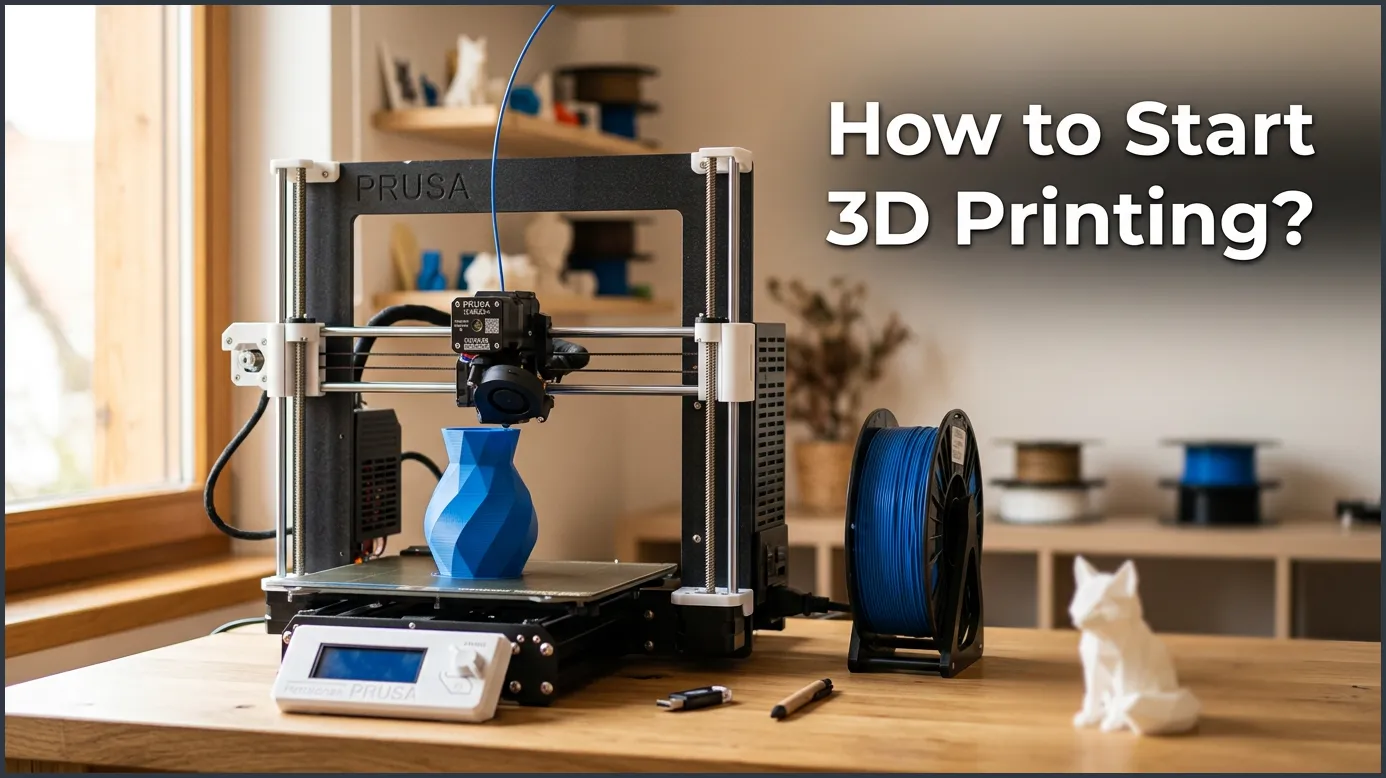
Starting with 3D printing is easier than you think, requiring just a printer, some filament, and basic slicing software. By choosing an affordable FDM printer and using free 3D design files, you can quickly begin creating your own physical objects at home. This guide takes you step-by-step from unboxing your new machine to successfully completing your very first custom print.
Imagine making real objects right on your desk. You can print toys, tools, or spare parts. It feels like magic. Not long ago, this was only for big factories. Now, anyone can do it at home. If you want to know how to start 3D printing, you are in the right place. We will walk you through the whole process, step by step. From picking a machine to making your first cool item, this guide makes it simple.
It is easy to feel overwhelmed by all the terms. There are different printers, filaments, and software programs. But you do not need to be a tech expert to master this hobby. In fact, most beginners can get their first print done in just one afternoon. Let us dive in and see how easy it can be.
Key Takeaways
- FDM is best for beginners: Fused Deposition Modeling (FDM) printers are cheap, easy to use, and perfect for learning.
- PLA is the ideal starting filament: It is safe, cheap, and very easy to print without warping issues.
- Slicers translate 3D models: Software like Cura or PrusaSlicer turns 3D designs into instructions your printer can read.
- Leveling the bed is critical: A flat, well-leveled build plate prevents most printing failures.
- Free files are everywhere: You do not need to design from scratch; sites like Thingiverse offer thousands of free models.
Quick Answers to Common Questions
Is 3D printing an expensive hobby to start?
No, you can get a reliable starter FDM printer and a spool of filament for under two hundred and fifty dollars.
Do I need to learn 3D modeling to use a 3D printer?
No, you can download thousands of free, ready-made models from sites like Thingiverse and Printables.
What is the easiest material to print with?
PLA filament is the easiest material to use because it does not warp and prints at low temperatures.
Can you leave a 3D printer running overnight?
It is not recommended to leave a printer completely unattended because of minor fire risks and potential failed prints.
How long does it take to print a small object?
A small object like a chess piece or a keychain usually takes between thirty minutes to two hours to print.
📑 Table of Contents
Choosing Your First 3D Printer
The first step is to pick the right machine. There are two main types of printers for home use. These are FDM printers and resin printers. For most people, the choice is very clear.
Why FDM is Best for Beginners
FDM stands for Fused Deposition Modeling. These machines use a roll of plastic string called filament. The printer melts this plastic and draws it layer by layer on a flat bed. FDM printers are the best starting point. They are cheap to buy, safe to run, and very easy to learn. If you want a smooth start, this beginners guide to 3D printing can help you see how these machines fit into your home workspace.
What About Resin Printers?
Resin printers use liquid pool resin and UV light to make objects. They print items with amazing detail. However, resin is messy and smells strong. You must wear gloves and work in a room with lots of fresh air. You also have to wash and cure the prints in extra steps. Because of this, resin is best for tiny models like game pieces, while FDM is best for general use.
Essential Gear and Materials
Once you have a printer, you need a few more items. Luckily, you do not need to spend a lot of money to get the basics. Let us look at what you need for 3D printing to get started the right way.
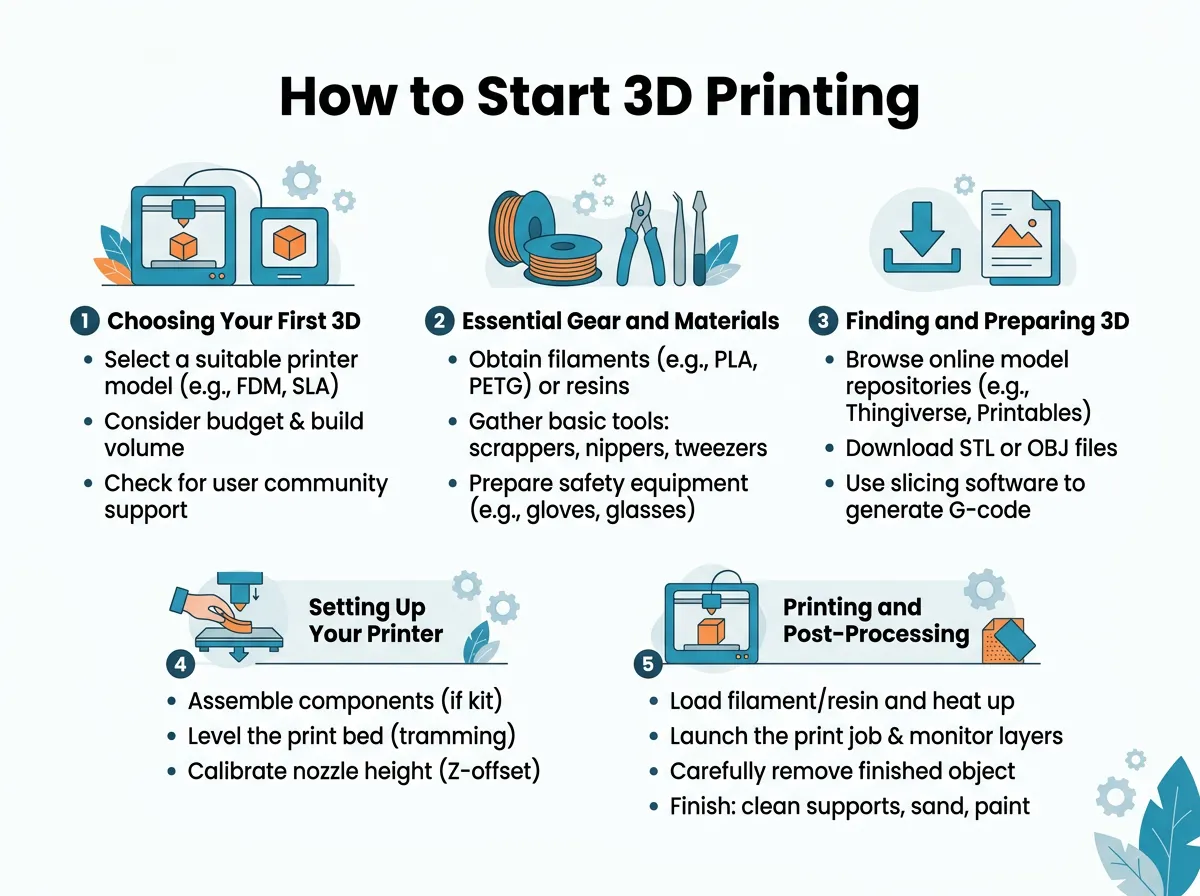
How to Start 3D Printing? — key points at a glance
The Magic of PLA Filament
Filament is the fuel for your FDM printer. It comes on spools and comes in many colors. The best type for beginners is PLA. It is made from cornstarch, so it has no bad smell. PLA prints at low heat and does not shrink much as it cools. This means your prints will not warp or peel off the bed. It is cheap and works great for almost any basic project.
Crucial Tools for Your Toolkit
Most printers come with a few tools, but you will want to keep these close by:
- A metal spatula: This helps you gently pry prints off the bed.
- Wire cutters: These are great for trimming filament ends.
- A glue stick: A thin layer on the print bed helps the plastic stick down.
- Isopropanol spray: This cleans grease and dust off your print bed.
Finding and Preparing 3D Models
You do not need to know how to draw in 3D to make cool things. There are millions of designs ready for you to use. You just need to know where to look and how to prepare them.
Downloading Ready-Made Files
Websites like Thingiverse, Printables, and Threeding have giant libraries of files. Most of these files are free to download. They use a file type called STL. You can search for anything from phone stands to cute dragons. Just download the STL file to your computer.
Getting to Know the Slicer
A 3D printer cannot read an STL file directly. It needs a list of path instructions. You use a program called a “slicer” to make these instructions. Popular slicers like Cura or PrusaSlicer are free. You load your STL file into the slicer. The software slices the model into thin layers. It then saves a new file called a G-code file. You put this G-code file on an SD card and plug it into your printer.
Setting Up Your Printer for Success
Now you have your files and tools. Next, you must set up your machine. A good setup saves you from lots of failed prints later.
The Golden Rule of Bed Leveling
This is the most important step in 3D printing. The nozzle of the printer must be the exact same distance from the bed at every point. If it is too far, the plastic will not stick. If it is too close, the plastic cannot come out. Most budget printers use manual leveling. You turn knobs under the bed while sliding a piece of paper under the nozzle. When you feel a slight drag on the paper, the height is just right.
Loading Your Filament
Heat up your printer nozzle to about 200 degrees Celsius. Cut the end of your PLA filament at an angle. This makes it easy to feed. Push the filament into the feeder tube until you see plastic start to melt out of the nozzle. Now your printer is primed and ready to go!
Printing and Post-Processing Your First Model
The big moment has arrived. You are about to start your very first job. Let us make sure it goes off without a hitch.
Starting the Print Job
Put your G-code file onto your SD card. Insert it into the printer and select “Print” from the screen. Watch the printer heat up. Once it reaches the right heat, the print head will start to move. Watch the first layer closely. If the plastic lines are smooth and stick flat to the bed, your print will likely succeed. If you want more tips on this step, look at this guide on completing your first 3D print.
Safe Part Removal
When the printer stops, let the bed cool down completely. As the metal cools, the plastic shrinks slightly and should pop off. If it is stuck, use your metal spatula to lift it gently. Never force it, or you might scratch your build plate or break your new model.
Common Mistakes to Avoid
Every maker makes mistakes when they start. Do not worry if your first few prints do not look perfect. Here are two big things to watch out for.
Watch Out for the First Layer
If your first layer does not stick, the printer will end up making a big ball of plastic spaghetti. Clean your bed with alcohol before every print. Oils from your fingers can stop plastic from sticking. You can also use a glue stick on the bed to help it grip.
Keep Your Filament Dry
Filament acts like a sponge. It absorbs water from the air. Wet filament makes popping sounds when it prints and leaves rough spots on your models. Store your filament spools in plastic bags with silica gel packs to keep them dry and fresh.
Conclusion
Learning how to start 3D printing is a fun journey. It opens up a world of creativity and fix-it-yourself options. Do not worry about making mistakes; they are just part of the fun. Start with an FDM printer, use PLA, and take your time leveling the bed. With a little practice, you will soon print amazing things you once thought were impossible. Happy printing!
Frequently Asked Questions
What is the difference between PLA and ABS filament?
PLA is made from natural materials, prints at lower heat, and is very easy for beginners. ABS is stronger and handles heat better, but it shrinks when cooling and smells bad while printing.
How do I clean my 3D printer bed?
You can clean your print bed by spraying it with isopropyl alcohol and wiping it with a clean cloth. This removes dust and hand oils so your prints stick much better.
Why did my 3D print turn into a bunch of plastic spaghetti?
This happens when the print loses its grip on the build plate during the job. Ensure your bed is properly leveled and clean before starting your next print.
Can I make money with a home 3D printer?
Yes, many people make money by printing custom items, toys, or spare parts to sell online or locally. You can also offer local printing services to designers who do not own a machine.
Is the air near a running 3D printer safe to breathe?
PLA filament is generally safe to breathe because it is made from cornstarch and has no toxic fumes. However, printing ABS or resin requires good room airflow because they release harmful fumes.
Do 3D printers use a lot of electricity?
No, 3D printers do not use much power. A standard home printer uses about the same amount of electricity as a bright laptop or a small desktop computer.
