


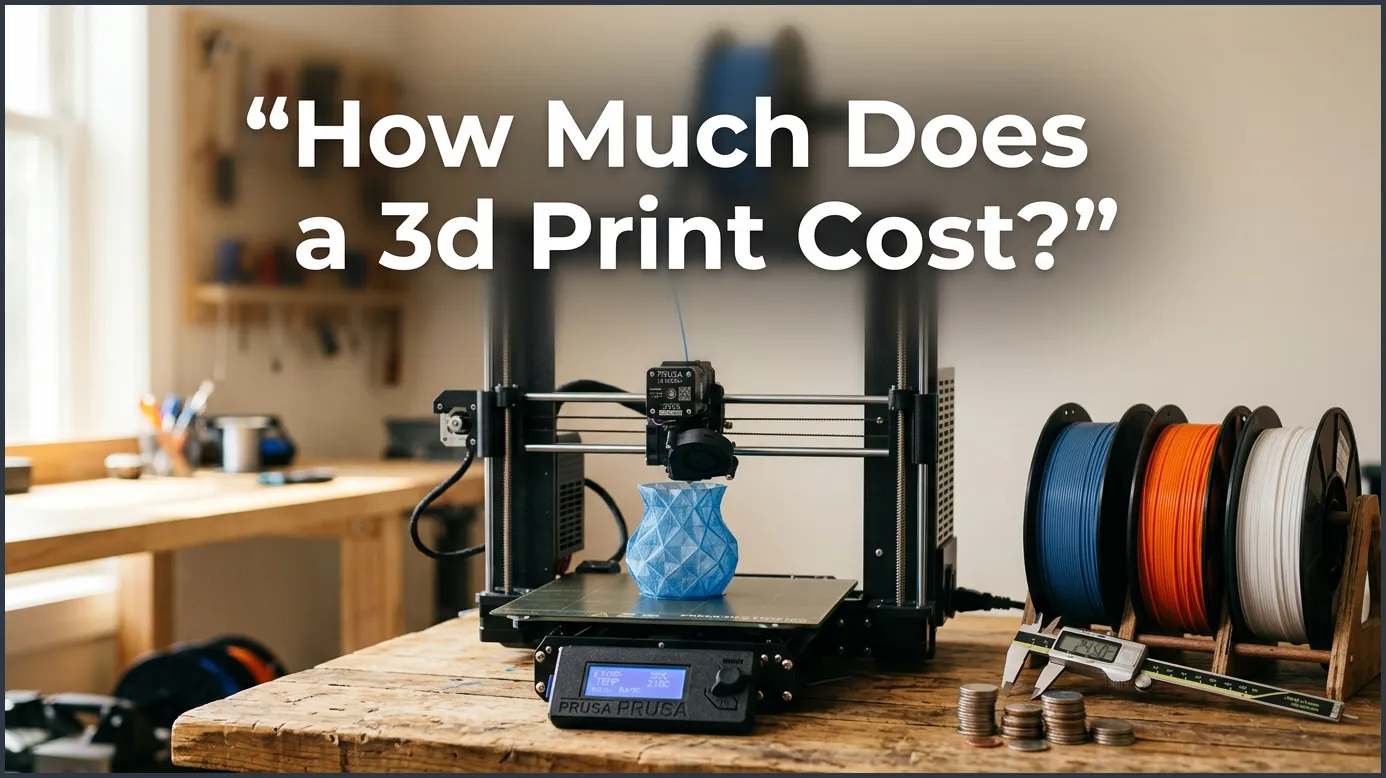
A typical 3D print costs between $3 and $50, depending on the object’s size, material type, and design complexity. Small household items and plastic toys usually cost less than $3 to print at home. For larger items, high-end resins, or professional printing services, the price can quickly rise past $100.
Imagine walking into your workspace on a quiet Saturday morning. You see a spool of bright blue plastic sitting next to your desk. You want to make a custom phone stand, a spare part for your broken cabinet, or a unique toy for a friend. You import the design file into your computer, look at the machine, and wonder about the true price of your project.
Every maker asks this same big question: how much does a 3D print cost? It is easy to see the price of the printer itself, but calculating the ongoing cost of making individual items can feel tricky. From raw materials to the hum of electricity in your wall, many small details combine to create the final price tag.
In this guide, we will break down every single cost factor. We will look at filament, power, and wear on your machine. We will also compare home printing to professional services. By the end, you will know exactly how to calculate and lower your printing costs for any project.
Key Takeaways
- Material is the biggest cost factor: Standard PLA plastic filament costs about $20 to $25 per kilogram spool.
- Small prints are very cheap: Making a simple plastic bracket or tiny toy at home usually costs under $1.00.
- Electricity is a minor fee: Running a standard 3D printer for a few hours costs only pennies in power.
- Resin is more expensive than filament: Liquid resin costs more per gram and requires extra cleaning chemicals.
- Professional services charge for labor: Hiring a shop includes setup fees, shipping, and manual work.
- Software settings save money: Lowering the infill density can cut your print costs in half.
Quick Answers to Common Questions
How much does it cost to run a 3D printer for an hour?
Running a standard 3D printer for one hour costs around two to three cents in electricity, depending on your local utility rates.
Is it cheaper to print your own objects or buy them?
It is almost always cheaper to print your own items if you already own a printer, as raw plastic is very inexpensive compared to retail markups.
How much does a standard spool of 3D printer filament cost?
A standard one-kilogram spool of basic PLA or PETG filament costs between $20 and $25.
Does resin printing cost more than filament printing?
Yes, resin printing is generally more expensive due to higher liquid material costs and the need for cleaning supplies like isopropyl alcohol.
Are failed 3D prints expensive?
Failed prints are minor losses, usually costing only $0.50 to $3.00 in wasted plastic, though they do cost you time.
📑 Table of Contents
The Main Ingredient: Raw Materials
The plastic or resin you use is the largest part of your cost. Without materials, your printer is just an idle metal frame. Different materials have different price tags, and how much you use directly impacts your wallet.
Filament Costs (FDM Printing)
Most hobbyists use Fused Deposition Modeling (FDM) printers. These machines melt plastic wire called filament. A standard spool of filament weighs one kilogram (about 2.2 pounds). Standard plastics like PLA or PETG usually cost between $20 and $25 per spool. This means you pay about two cents per gram of plastic.
If you want to use advanced plastics, the price goes up. Tough materials like ABS, Nylon, or flexible TPU can cost $35 to $60 per spool. Specialty filaments filled with wood, carbon fiber, or metal glow-in-the-dark powders can cost even more. For basic prints, though, standard PLA is highly affordable.
Resin Costs (SLA Printing)
Stereolithography (SLA) printers use liquid resin cured by light. Resin prints have incredible detail, but they cost more. A basic bottle of resin costs between $30 and $50 per liter. Specialty resins, like flexible or dental-grade liquids, can cost over $100 per liter.
With resin, you must also buy cleaning supplies. You need isopropyl alcohol to wash the prints and paper towels to clean up spills. These extra liquids add a small cost to every single resin print you make. Many beginners wonder is 3D printing expensive when they first look at resin setups, but keeping your wash stations efficient helps manage these costs.
The Hidden Costs: Electricity and Wear
Many people worry about their power bill when they leave a machine running for twenty hours. Thankfully, 3D printers do not use as much power as you might think.
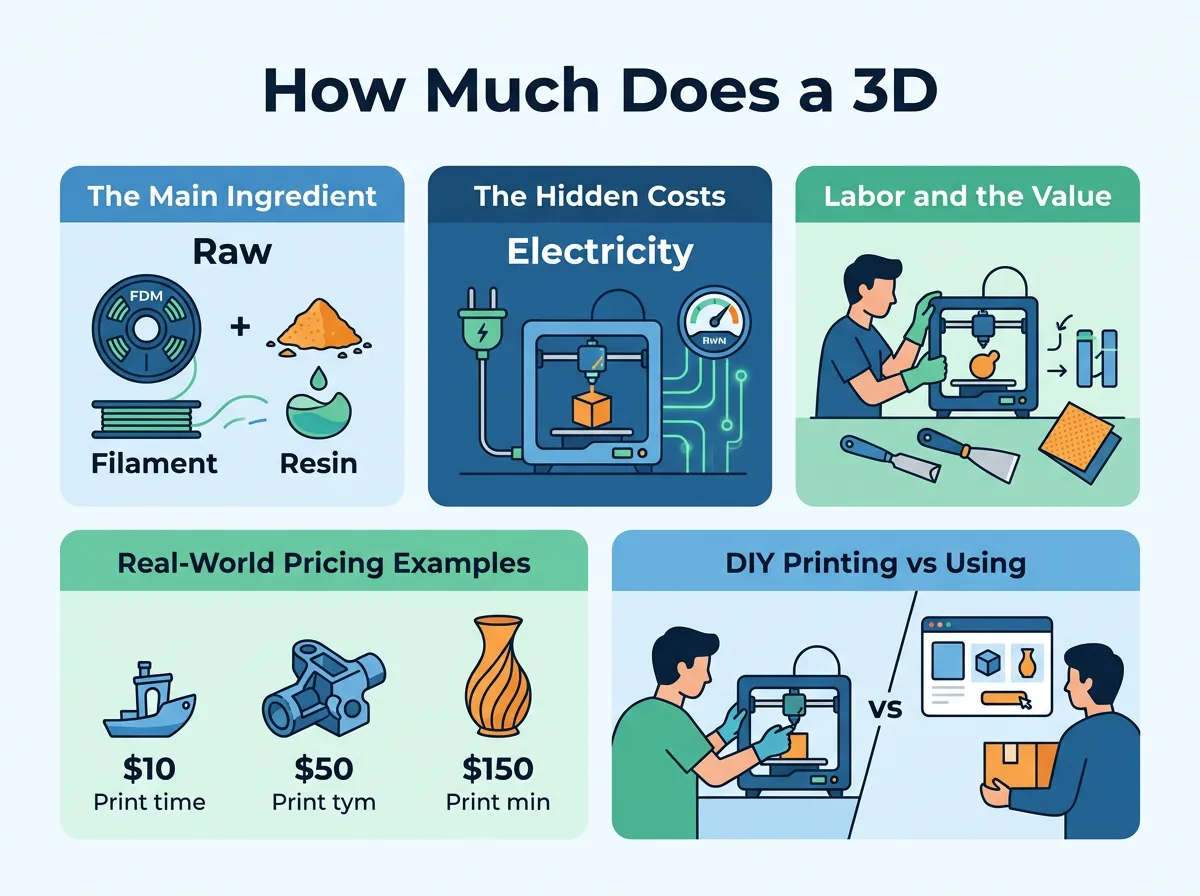
How Much Does a 3D Print Cost? — key points at a glance
Electricity Consumption
A standard 3D printer uses about 100 to 150 watts of power. Most of this power goes toward heating the nozzle and the print bed. If you run your printer for ten hours, it uses about 1 to 1.5 kilowatt-hours (kWh) of power.
In the United States, the average cost of electricity is about 17 cents per kWh. That means a ten-hour print only costs about 20 to 25 cents in power. It is a tiny fraction of the overall cost. You can run your machine all weekend without seeing a scary jump in your monthly utility bill.
Machine Wear and Replacement Parts
Printers are mechanical tools. Over time, parts will wear out and need to be replaced. Brass nozzles get worn down by rough filaments, and plastic tubes can degrade from high heat. The adhesive sheets on print beds also wear out over time.
A good rule of thumb is to add a small maintenance fee to your budget. Adding about five to ten cents per print hour covers the cost of new nozzles, belts, and fans down the road. This small habit keeps your machine running smoothly without any budget surprises.
Labor and the Value of Time
If you print purely for fun, your time is free. But if you want to sell your items or run a business, you must value your time. Labor is often the most expensive part of any professional job.
Setup and Slicing
Before you print, you must prepare the file. This step is called slicing. You must check the 3D model for errors, add support structures, and choose the right temperature settings. This setup work can take anywhere from five minutes to an hour of focused attention.
Post-Processing Work
Once the machine finishes, the work is not always done. You often have to peel away support material. You might need to sand down rough edges, spray on primer, or paint the surface. Resin prints must be washed in alcohol and cured under ultraviolet light. If a project requires hours of hand-sanding and painting, the labor cost will quickly surpass the material cost.
Real-World Pricing Examples
Let us look at some concrete examples to show how these costs play out in real life. These examples assume you are using a standard $22 spool of PLA filament.
Example 1: A Small Upgrade Keychain
Imagine you want to print a custom keychain for your backpack. It is small, flat, and thin. It weighs only 5 grams and takes 20 minutes to print. At two cents per gram, the plastic costs $0.10. The electricity costs less than one cent. The total cost to make this keychain at home is about 11 cents.
Example 2: A Medium-Sized Flower Vase
Next, you want to print a beautiful flower vase for your kitchen table. The vase is hollow but has thick walls. It weighs 150 grams and takes eight hours to print. The plastic costs $3.00. The electricity costs about $0.16. If we add $0.40 for machine wear, the total cost for this vase is around $3.56.
Example 3: A Large Cosplay Helmet
Now, let us think big. You want to print a full-sized wearable helmet for a costume. This massive print takes 800 grams of plastic and runs for 60 hours. The filament costs $16.00. The electricity costs around $1.20. Adding $3.00 for machine wear brings the total DIY cost to about $20.20. If you bought this same helmet online, it would easily cost $80 or more.
DIY Printing vs. Using a Service
Not everyone wants to buy and maintain their own machine. You can also upload your files to online printing services. How do these options compare?
The DIY Route
Buying a printer requires upfront money. A decent entry-level printer costs between $150 and $300. You must also spend time troubleshooting issues and learning the software. However, once you own the machine, your cost per print is incredibly low, as we saw in the examples above.
Professional 3D Printing Services
If you only need one print per year, a service is highly convenient. These companies use industrial-grade machines that can print metal, super-strong plastics, or full-color ceramics. However, they must cover their labor, office rent, machine upkeep, and shipping. A part that costs you $2.00 to print at home might cost $30.00 from a service bureau.
How to Calculate Your Exact Costs
You do not have to guess your costs using pencil and paper. Modern software makes it incredibly easy to get exact numbers.
Slicing Software Estimators
When you load a model into slicing programs like Cura or PrusaSlicer, the software calculates the exact weight of plastic needed. Many of these programs allow you to input your filament price per spool. The software will then show you the precise material cost of your model down to the penny before you even start heating your machine.
Online Pricing Calculators
If you want to calculate electricity, labor, and wear all in one place, you can use specialized web tools. You can use a free 3D printing cost calculator to quickly input your local power rates and material weights. For advanced users who want to dive deep into custom business models, Prusa’s pricing tool offers a comprehensive way to factor in labor rates, tax, and profit margins easily.
Smart Tips to Lower Your Printing Costs
If you print frequently, small adjustments can save you a lot of money over a year. Here are a few easy tricks to keep your costs as low as possible:
- Reduce Infill Density: You rarely need a solid plastic object. Dropping your infill (the internal grid structure) from 40% down to 10% or 15% saves massive amounts of plastic without losing much strength.
- Use Fewer Supports: Rotate your 3D model in your slicer to find an angle that requires minimal support material. Less support means less wasted plastic and faster clean-up times.
- Buy Filament in Bulk: Look for multi-pack deals online. Buying three or four spools at a time can lower your cost per spool by several dollars.
- Keep Filament Dry: Wet filament bubbles and breaks easily, leading to failed prints. Store your plastic in airtight boxes with silica gel packs to prevent waste.
Conclusion
At first glance, 3D printing can look like an expensive hobby. However, when you break down the actual numbers, making things at home is incredibly cheap. Most everyday plastic items cost only a few dollars in raw materials and electricity. By managing your slicer settings and keeping your machine clean, you can print amazing, custom creations without breaking your budget. Happy printing!
Frequently Asked Questions
How much does a small 3D printed figurine cost to make?
A small plastic figurine weighing about 20 grams costs around $0.40 to $0.50 in raw filament. If you use resin, the material cost rises slightly to about $1.00.
Does the printer nozzle temperature affect electricity costs?
Yes, higher nozzle temperatures for materials like ABS or Nylon require more energy to maintain. However, the difference only adds a few extra pennies to your overall power bill.
How do 3D printing services calculate their prices?
Services calculate prices by adding material costs, machine run time, labor for clean-up, and overhead fees. They also include shipping costs and profit margins in their final quotes.
Is PLA plastic cheaper than PETG?
PLA and PETG are very close in price, typically retailing for the same $20 to $25 per kilogram. PLA is slightly easier to print, which can reduce costly errors for beginners.
Can you recycle failed 3D prints to save money?
Recycling failed prints at home is difficult because it requires expensive machines to melt and extrude the scrap back into usable wire. Most hobbyists find it easier to focus on avoiding failures through proper slicer settings.
How much does the slicer software cost?
Most popular slicing software tools, like Cura, PrusaSlicer, and OrcaSlicer, are completely free and open-source. You do not need to pay anything to prepare your files for printing.
