


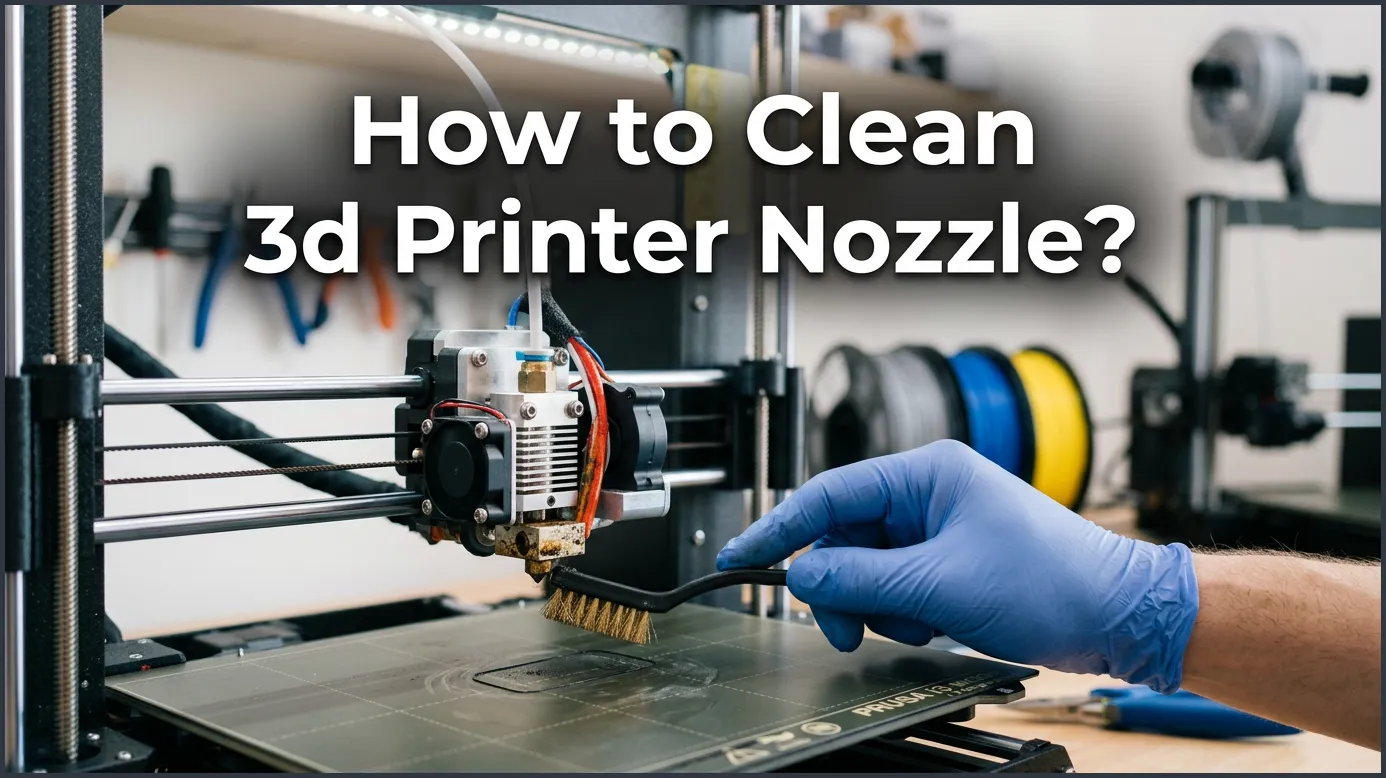
Learning how to clean 3D printer nozzle parts is the best way to fix under-extrusion and bad print quality. You can easily clear most clogs by heating your hotend and using a simple cold pull or a cleaning needle. Regular maintenance will keep your 3D printer running smoothly and prevent failed prints.
You sit down at your desk, ready to watch your latest 3D creation come to life. The print head moves, the fans hum, and your expectations are high. But as the first layer starts, you notice a problem. The plastic is not flowing smoothly. It is curling up, sputtering, or not coming out at all. Your nozzle is clogged.
A clogged nozzle is one of the most common issues in 3D printing. It happens to everyone, from beginners to seasoned pros. When this happens, it is easy to feel frustrated and want to walk away. But do not panic. Most nozzle clogs are easy to fix with a few simple tools and a little bit of patience.
In this guide, we will explore the best ways to get your printer back in working order. We will cover the quick fixes, the deep cleaning methods, and how to prevent future clogs altogether. Let us dive in and learn how to master this essential maintenance skill.
Key Takeaways
- Identify Clogs Early: Watch for thin layers, gaps, or clicking extruder sounds.
- The Cold Pull Method: Use nylon or PLA to pull dirt out of the hotend easily.
- Use a Brass Brush: Clean the outside of your hotend safely without scratching the metal.
- Acupuncture Needles: Push away small clogs quickly while the nozzle is fully heated.
- Keep Filament Clean: Use a dust filter to stop debris from entering your nozzle.
- Know When to Replace: Swap out worn brass nozzles when cleaning no longer helps.
Quick Answers to Common Questions
How often should I clean my 3D printer nozzle?
You should clean the outside of your nozzle after every few prints and perform a deep clean or cold pull whenever you notice under-extrusion or change filament types.
Can I use a sewing needle to clean a nozzle?
No, sewing needles are too thick and can permanently damage or widen the delicate nozzle opening. Always use a proper 3D printer cleaning needle or acupuncture needle of the correct size.
What is the easiest way to remove plastic from the outside of the nozzle?
Heat your hotend to printing temperature and gently scrub the exterior with a brass wire brush. Brass is soft enough to clean the nozzle without scratching the metal surface.
Does acetone dissolve all types of 3D printer filament?
No, acetone only dissolves ABS, ASA, and PMMA filaments. It has no effect on common materials like PLA, PETG, or TPU.
Should I clean the nozzle while it is hot or cold?
You should always heat the nozzle to printing temperature when brushing the exterior or using a needle. Only let it cool down when performing the cold pull method.
📑 Table of Contents
Why Do 3D Printer Nozzles Get Clogged?
Before we talk about cleaning, it helps to understand why clogs happen. If you know the cause, you can stop it from happening again. Most issues come down to dust, heat, or material choice.
Dusty Filament and Debris
Filament sits on your spool holder for days or weeks. During this time, it acts like a magnet for dust and pet hair. When the extruder pulls the filament in, it takes the dust with it. This dust bakes inside the hotend and creates a solid plug. To understand the physics behind this, you can read more about how hotends function on Wevolver’s guide on 3D printer nozzle cleaning. Keeping your workspace clean is the first step to trouble-free printing.
Heat Creep and Burnt Plastic
Another common cause is heat creep. This happens when heat travels up from the heater block into the cold section of your extruder. The filament melts too early and swells, blocking the path. Also, if you leave your nozzle hot while not printing, the plastic inside will burn. This burnt plastic turns into hard carbon that refuses to melt again. If you want to learn how to clean 3D printer nozzle surfaces, we have you covered.
The Easy External Clean: Wiping the Nozzle
Sometimes, the clog is not inside the nozzle. It is just a messy buildup of plastic on the outside. This plastic can drag on your print layers and ruin them.
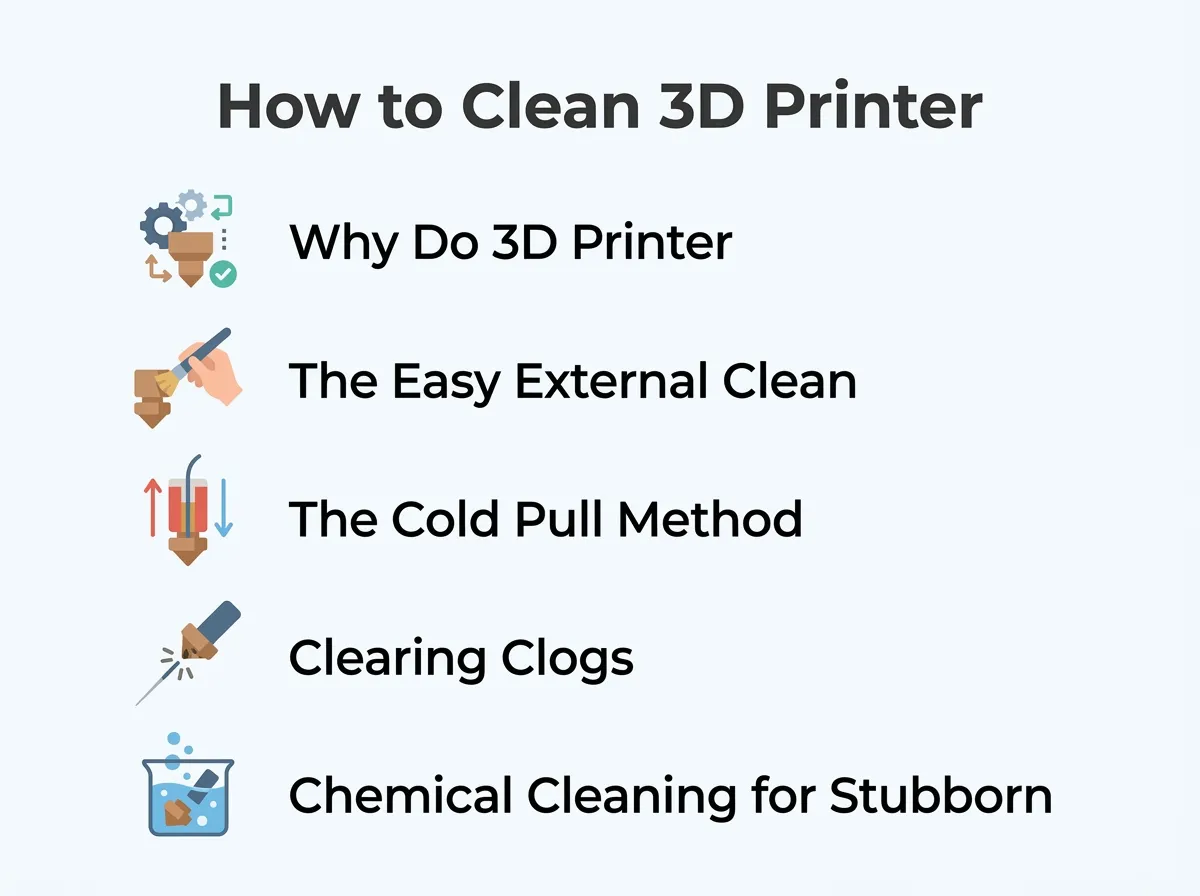
How to Clean 3D Printer Nozzle? — key points at a glance
Using a Brass Wire Brush
To clean the outside, heat your nozzle to your printing temperature. This softens the stuck-on plastic. Grab a brass wire brush and gently scrub the nozzle tip. Why brass? Brass is softer than the copper or brass of your nozzle, so it will not scratch or damage the metal. Do not use a steel brush, as steel is too hard and can ruin the delicate nozzle tip. Let us look at how to clean 3D printer nozzle parts safely.
Dealing with Big Plastic Messes
Sometimes a print fails, and you end up with a giant blob of plastic encasing the whole hotend. This can look terrifying. If you find yourself in this situation, do not panic. You can find detailed tips on how to clean a nozzle with melted filament around it through the Ultimaker community forums, which suggest carefully heating the hotend just enough to soften the big blob so you can pull it off in one piece.
The Cold Pull Method (The Atomic Pull)
When you have a clog inside the nozzle, the cold pull is the gold standard method. It is also known as the atomic pull. This method pulls out the dirt along with a semi-solid piece of filament. This simple guide shows you how to clean 3D printer nozzle tips without any hassle.
Step-by-Step Cold Pull Guide
First, heat your nozzle to about 250 degrees Celsius. Insert a piece of nylon or PLA filament manually into the hotend. Push it until a little bit of plastic squirts out of the nozzle. Now, turn off the heater and let the nozzle cool down to room temperature. This traps all the burnt debris inside the solidifying plastic.
Next, heat the nozzle to 90 degrees Celsius for PLA (or 130 degrees for Nylon). Once it hits this temperature, grab the filament firmly. Give it a quick, strong pull upward. The filament should pop out with a perfect mold of the inside of your nozzle. You will see black specks of dirt trapped at the very tip. Repeat this process until the pulled filament comes out perfectly clean. Knowing how to clean 3D printer nozzle channels is a great skill.
Why Nylon is Best for Cold Pulls
While PLA works, nylon is the best material for this job. Nylon is very strong and slippery. It does not snap when you pull it hard, and it grabs onto dirt better than other plastics. Keep a small roll of nylon filament on hand just for cleaning. Once you master how to clean 3D printer nozzle openings, you will save a lot of money.
Clearing Clogs with a Cleaning Needle
If you are in a hurry, you can use a small needle to clear a path. This is a quick way to learn how to clean 3D printer nozzle setups without taking them apart. Many people do not know how to clean 3D printer nozzle parts properly.
Using an Acupuncture Needle
Most 3D printers come with a thin metal needle. This is usually an acupuncture needle. Heat your nozzle to your printing temperature. Insert the needle up through the nozzle hole from the bottom. Gently wiggle it up and down a few times. This pushes the clog back up into the melt zone, allowing the fresh filament to push it out. This is how to clean 3D printer nozzle internals using a needle.
Safety Tips for Needle Cleaning
Be careful not to burn yourself. The nozzle is extremely hot. Also, do not force the needle in at an angle. You can easily bend the needle or damage the round shape of the nozzle opening. Always insert it straight up. For step-by-step visuals on this process, check out the Creality nozzle cleaning guide for hands-on tips.
Chemical Cleaning for Stubborn Blockages
If you print with ABS or ASA, you have a secret weapon: acetone. Acetone dissolves these plastics completely. It is useful to know how to clean 3D printer nozzle units after printing abrasive materials.
The Acetone Soak
If your nozzle is completely blocked, remove it from the print head. Put it in a small glass jar filled with acetone. Let it soak for a few hours. The acetone will dissolve the stuck plastic, leaving the brass nozzle clean. After soaking, blow through the nozzle or use a needle to clear out any remaining soft paste.
When Chemical Cleaning Does Not Work
Note that acetone only works on ABS, ASA, and PMMA. It will not dissolve PLA, PETG, or TPU. If you print mostly with PLA, stick to the cold pull method or use a heat gun to melt out the clog. Learning how to clean 3D printer nozzle paths is essential for any maker.
How to Prevent Future Clogs
Cleaning a nozzle is easy, but preventing a clog is even better. A few simple habits will save you hours of troubleshooting.
Use a Filament Dust Filter
Clip a small sponge onto your filament before it enters the extruder. This sponge will catch all the dust and hair before it can enter your hotend. This is the cheapest and easiest way to prevent clogs.
Keep Your Filament Dry
Wet filament degrades faster and bubbles inside the hotend. This steam can cause gaps in your prints and lead to partial clogs. Store your filament in dry boxes with silica gel packets.
Conclusion
That is the complete guide on how to clean 3D printer nozzle heads. Whether you use a simple brass brush, a cold pull, or an acupuncture needle, you can solve almost any clog in minutes. Remember to take your time, keep safety in mind, and treat your brass nozzle with care. Happy printing!
Frequently Asked Questions
Why is my 3D printer nozzle clogging so often?
Frequent clogs are usually caused by dust on your filament, incorrect printing temperatures, or heat creep in your hotend. Using a filament dust filter and keeping your cooling fans clean will prevent this issue.
What temperature should I use for a cold pull?
For PLA, you should heat the nozzle to 250°C to insert the filament, cool it to room temperature, and then pull it out at around 90°C. For nylon, the pull temperature should be around 130°C.
Can a damaged nozzle cause print quality issues?
Yes, a worn or damaged nozzle will cause uneven extrusion, stringing, and rough surface finishes. If the nozzle tip is scratched or worn down by abrasive filaments, you should replace it.
How do I know if my nozzle is partially clogged?
Signs of a partial clog include thin or weak print walls, gaps in your layers, a clicking sound from the extruder, and plastic curling upward as it exits the nozzle.
Is it safe to use a blowtorch to clean a nozzle?
Yes, but only if you remove the nozzle from the printer first. Hold the nozzle with pliers and gently heat it with a torch to burn away stuck plastic, then clean it with a wire.
What is the best filament to use for cleaning?
Nylon is the best material for cleaning because of its strength, flexibility, and high melting point. Special commercial cleaning filaments are also available and work very well.
