


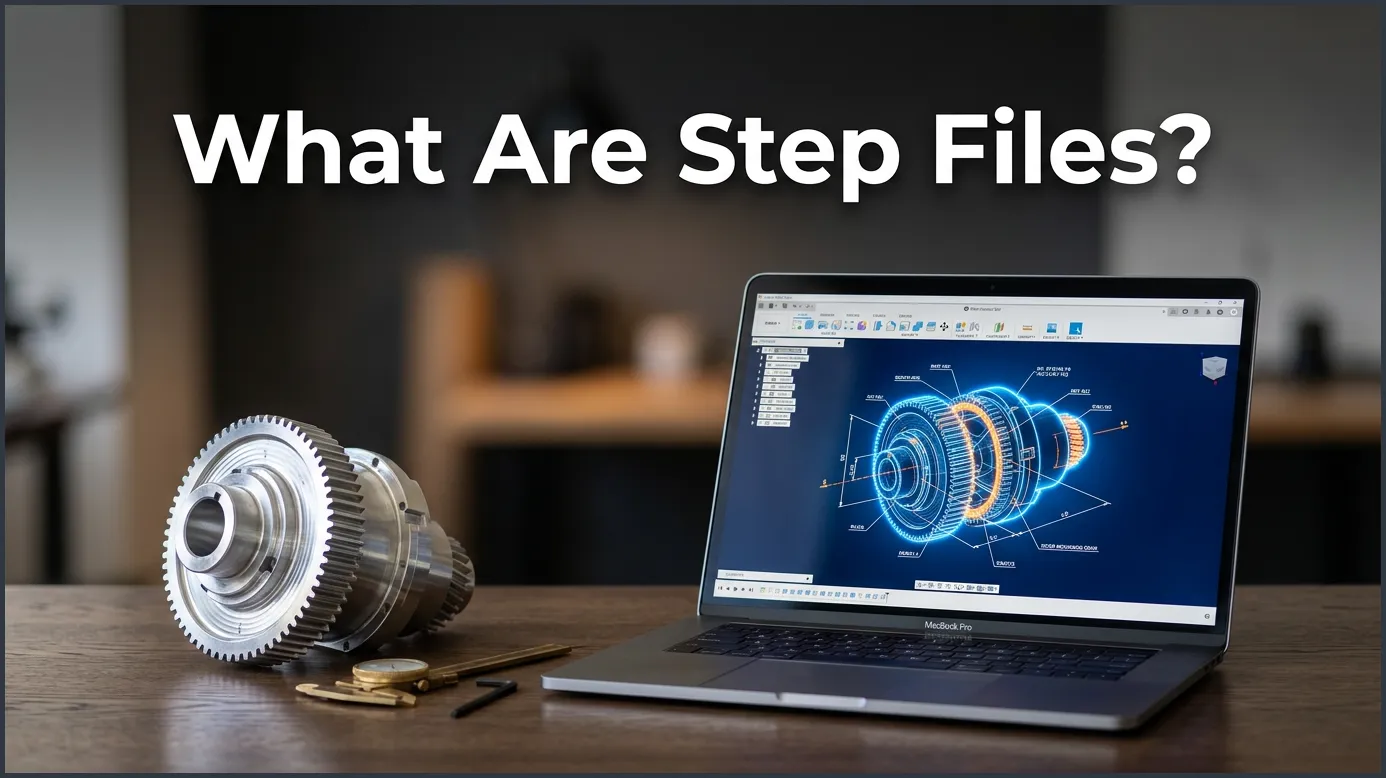
STEP files are universal 3D CAD exchange files that let engineers, designers, and makers share 3D models across different software programs without losing design details. By saving full 3D geometry instead of basic visual shapes, they serve as the absolute gold standard for collaboration in modern manufacturing and product design.
Imagine you just finished designing an amazing new product. You spent hours perfecting every curve, bolt, and slot on your computer. Now, it is time to send your design to a workshop to get it built. But there is a big catch. You used one design program, and the factory uses a completely different one. If you send them your raw file, they might not be able to open it at all. If they do open it, some parts might look broken or missing.
How do you share your 3D models without losing all your hard work? This is where the magic of universal file formats comes into play. If you have ever wondered about this common challenge, you are in the right place. In this guide, we will explore the ins and outs of these special design files, why they are so important, and how you can use them in your own projects.
In the world of 3D design, we call these universal helpers STEP files. They act as a bridge between different programs. No matter what software you or your partners use, these files keep everyone on the same page. Let us dive deep into the world of 3D modeling to see how they work.
Key Takeaways
- Universal Access: They let different CAD programs talk to each other without losing design data.
- High Precision: They save actual math curves and solids instead of flat pixel meshes.
- Industry Standard: They are widely used in aerospace, cars, and 3D printing.
- Easy to Edit: You can open, change, and save them in almost any modern design tool.
- Compact Size: They keep file sizes small while keeping the details very high.
Quick Answers to Common Questions
What is the difference between .step and .stp files?
There is no difference between them; both extensions represent the exact same universal 3D CAD file format.
Can you edit a STEP file?
Yes, you can import them into almost any modern CAD software to edit the 3D geometry and individual components.
Are STEP files better than STL files?
Yes, they are much better for editing and manufacturing because they store exact mathematical curves instead of flat triangle meshes.
Can you open a STEP file with a text editor?
Yes, because they are saved as plain text, you can open them with Notepad, but you will only see lines of coordinate code instead of a 3D image.
Is a STEP file a vector file?
Yes, it is a type of 3D vector file because it uses mathematical formulas rather than pixels to define shapes and curves.
📑 Table of Contents
The History and Technology Behind STEP Files
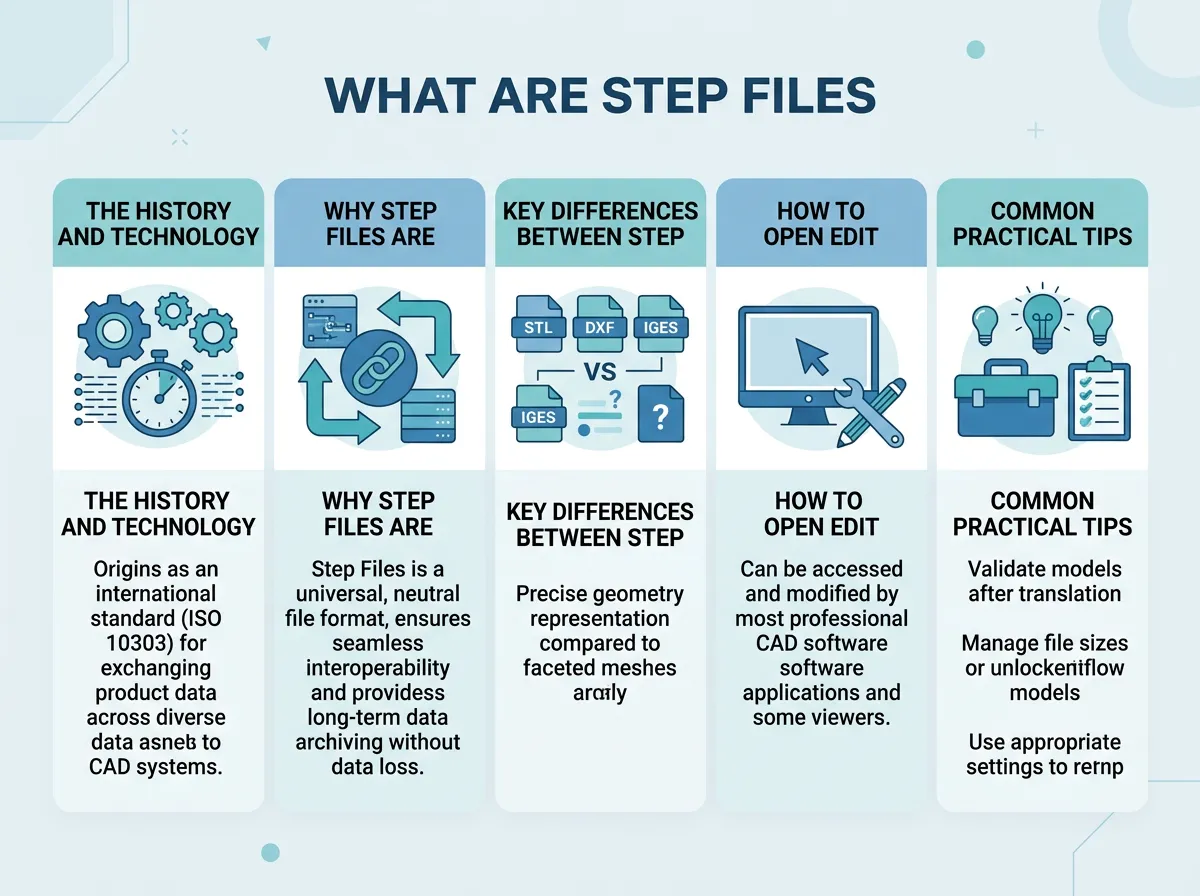
To truly understand this file format, we have to look back at why it was made. In the early days of computer-aided design (CAD), every software company had its own unique file type. If you used one brand of software, you could only work with people who used that same brand. This made teamwork across different companies almost impossible.
The Birth of a Universal Standard
In the 1980s, tech leaders and governments realized they needed a better way to share data. They worked together to create a standard format that any program could read. This effort led to the creation of the ISO 10303-21 standard, which is the official name for a STEP file. The letters stand for “Standard for the Exchange of Product model data.” Today, you will see these files end with either a .step or .stp extension. Both extensions mean the exact same thing.
How These Files Work Under the Hood
Unlike simple image files, a STEP file is saved as plain text. If you open one with a basic text editor, you will not see a picture. Instead, you will see thousands of lines of code and numbers. This code describes the exact shapes, sizes, and locations of every 3D object in the model. Because it is written in plain text, any CAD software can read the code and rebuild the 3D model perfectly on your screen.
Why STEP Files Are Crucial for Manufacturing
When you want to build a real physical product, precision is everything. A tiny error of one millimeter can ruin an entire batch of parts. This is why builders and engineers rely so heavily on this format for their manufacturing design workflows.
What Are Step Files? — key points at a glance
Boundary Representation (B-Rep)
Most common 3D files, like STL files, use a network of flat triangles to cover the surface of a shape. This is fine for quick visual models, but it is bad for real manufacturing. If you zoom in on a circle made of triangles, you will see flat edges instead of a smooth curve. STEP files use a technology called Boundary Representation, or B-Rep. This means they use exact math equations to define curves, spheres, and flats. A circle in a STEP file is a perfect circle, no matter how close you zoom in. This math-based precision is what machines need to cut metal or plastic accurately.
Simplifying Team Collaboration
Modern products are rarely built by just one person. A single product might have plastic parts designed by one team, electronic parts designed by another, and metal screws sourced from a third. By using a universal format, all these teams can bring their parts together into one master file. They can check if the parts fit, make sure there are no overlaps, and test the assembly before spending any money on physical materials.
Key Differences Between STEP and Other CAD Formats
When you save your 3D work, you will see a long list of file options. It can be hard to know which one to choose. Let us compare the most common options to see why STEP is often the best choice. For a deeper look, you can also read this comprehensive guide on STEP files to learn more about the technical details.
STEP vs. STL
As we mentioned, STL files use flat triangles to make a mesh. They are very popular for basic 3D printing because 3D printers just need to know the outer shape of an object. However, STL files do not save any info about separate parts, materials, or exact measurements. Once you save a file as an STL, it is very hard to edit. STEP files, on the other hand, keep all the individual parts separate and editable. They also keep the exact math curves, making them much better for professional work.
STEP vs. IGES
IGES is another older universal format. It was used a lot in the 1980s and 1990s. While IGES is still around, it only saves basic wireframes and surfaces. It often leaves gaps or holes in solid objects when you move them between programs. STEP is newer and much smarter. It saves solid bodies, assembly structures, and even color data. It is the modern replacement for IGES in almost every case.
How to Open, Edit, and Convert STEP Files
The best thing about these files is that you do not need expensive software to use them. There are many options available for every budget and skill level.
Popular Software Tools You Can Use
If you are a professional designer, you probably already use tools like Autodesk Inventor, SolidWorks, or Fusion 360. All of these programs can open and save STEP files with ease. If you are a hobbyist, you can use free tools like FreeCAD or Onshape. Even if you do not want to edit the file, you can use free viewer tools like Autodesk Viewer or eDrawings Viewer just to look at the model, spin it around, and take measurements.
Step-by-Step Conversion Tips
Converting your design is very simple. Here is how you can do it in most programs:
- Open your original 3D design in your favorite CAD program.
- Click on the File menu and select Export or Save As.
- Look at the drop-down menu for file types and select STEP (.step or .stp).
- Choose your options (usually, the default settings work best) and click Save.
Common Practical Tips for Using STEP Files
Working with 3D data can sometimes be tricky. Here are a few handy tips to keep your projects running smoothly.
Keep Your Files Clean and Organized
Before you export your work, take a moment to clean up your model tree. Delete any unused sketches, construction planes, or old test parts. This keeps the file size small and makes it much easier for the next person to understand your design.
Watch Out for File Sizes
Because these files contain exact mathematical equations for every single part, they can get quite large if your design is highly complex. If you are sending a file via email, you might want to compress it into a ZIP folder first. This can cut the file size in half and make sharing much quicker.
The Future of 3D Data Exchange
Technology is always moving forward, and 3D design is no exception. While the basic STEP format has been around for decades, it is still getting better. Newer versions of the format can save even more data. For example, they can now save PMI (Product Manufacturing Information). This means things like surface finish requirements, flat tolerances, and material specs can be saved right inside the 3D file. This makes the leap from screen to factory floor faster than ever before.
No matter how much technology changes, the need for a common language will always exist. These files will continue to be the bridge that connects creative minds with the machines that build our physical world.
Concluding Thoughts
In short, these files are the unsung heroes of modern design. They break down the walls between different software packages and let designers and makers collaborate freely. Whether you are building a simple toy or a complex rocket ship, knowing how to use this format will help you bring your ideas to life with ease and precision.
Frequently Asked Questions
What software do I need to open a STEP file?
You can open them with professional CAD tools like SolidWorks, Autodesk Fusion 360, or AutoCAD. Free options like FreeCAD and online viewers like Autodesk Viewer also work perfectly.
Why are STEP files used so much in manufacturing?
They are used because they carry exact mathematical measurements and solid shapes rather than rough approximations. This high precision is required for CNC machining, injection molding, and assembly checkups.
Can I 3D print a STEP file directly?
Most 3D slicer programs cannot read them directly, so you will usually need to convert them to an STL or 3MF file first. However, some modern slicers are starting to support them directly for better print quality.
What is the difference between STEP and IGES?
IGES is an older format that only saves basic wireframes and surfaces, which often leads to gaps or errors. STEP is newer, much more reliable, and saves complete solid shapes and assemblies.
How do I convert a STEP file to an STL?
Simply open the file in any free CAD program like Fusion 360 or FreeCAD. Then, go to the export menu and choose STL as your output format.
Are STEP files safe to share with external suppliers?
Yes, but keep in mind that they contain your exact 3D math data, which makes it easy for others to copy your design. If you want to protect your intellectual property, you might want to share a simplified version or sign an NDA first.
