


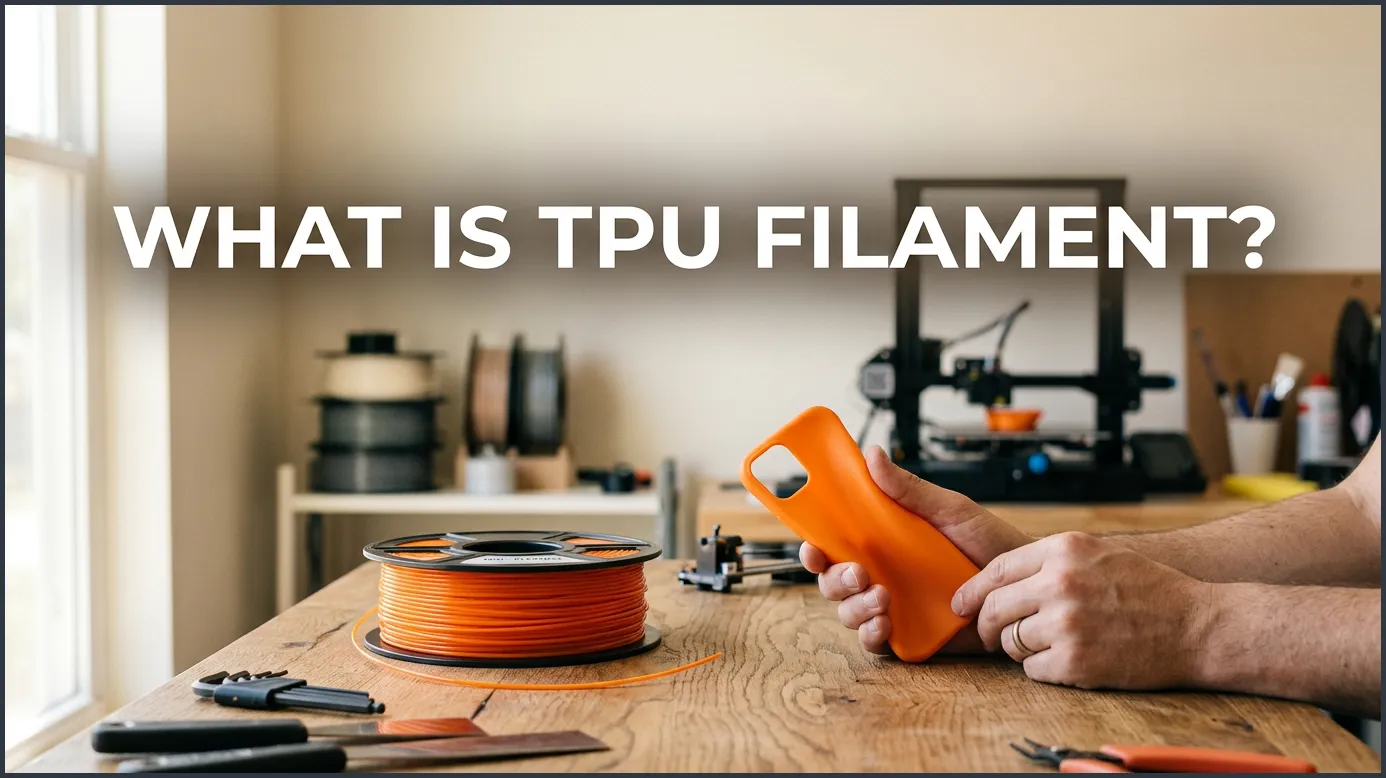
TPU filament is a flexible, highly durable 3D printing material made from Thermoplastic Polyurethane. It combines the elasticity of rubber with the strength of plastic, making it perfect for objects that need to bend, stretch, or absorb shocks. This unique material opens up a world of functional prototyping, from custom phone cases to industrial gaskets.
Have you ever printed a 3D model only to watch it snap under pressure? Most of us start our printing journey with rigid plastics like PLA or PETG. These materials are great for toys, boxes, and desk models. But what happens when you need to print something that bends? What if you want to make a custom phone case, a bouncy ball, or a seal for a water pipe?
This is where flexible filaments save the day. Among all the flexible materials on the market, one stands out as the absolute king of utility. Today, we will explore the wonderful world of this bendy plastic. We will cover what it is, why it is so popular, and how you can start printing with it today.
By the end of this guide, you will know how to choose the right hardness, configure your printer, and avoid common printing traps. Let us dive in and learn about this game-changing material.
Key Takeaways
- Unmatched Flexibility: TPU behaves like rubber, allowing printed parts to bend, stretch, and compress without breaking.
- High Durability: This material offers excellent resistance to abrasion, impacts, oils, and chemicals.
- Printing Complexity: TPU is more challenging to print than PLA, requiring slow speeds and a direct drive extruder.
- Shore Hardness: It comes in various hardness levels, often measured on the Shore A scale, to fit different project needs.
- Moisture Sensitive: TPU is highly hygroscopic, meaning it absorbs water from the air and must be dried before printing.
- Versatile Applications: It is widely used for phone cases, RC car tires, gaskets, shoe soles, and vibration dampeners.
Quick Answers to Common Questions
Is TPU filament food safe?
Generally, TPU is not considered food safe because the 3D printing process creates tiny ridges where bacteria can easily grow.
Can you print TPU on a glass bed?
Yes, but you should use a glue stick or painters tape as a barrier, because TPU can bond too well and damage the glass.
Does TPU filament smell bad when printing?
No, TPU is relatively odorless compared to materials like ABS, but you should still print in a well-ventilated room.
How do you make TPU prints smoother?
You can achieve smoother prints by using high-resolution settings, dry filament, and physical sanding, as chemical smoothing does not work well on TPU.
Can TPU filament clog my printer nozzle?
Yes, TPU can clog the nozzle if you print too quickly or use too much retraction, which causes the flexible material to buckle.
📑 Table of Contents
What Is TPU Filament?
To understand this material, we have to look at its name. TPU stands for Thermoplastic Polyurethane. In simple terms, it is a plastic that behaves like rubber. It is soft, stretchable, and very tough. Unlike real rubber, which must be cured with heat, TPU melts just like other 3D printing plastics. This means we can feed it through a standard 3D printer nozzle.
The Chemistry Behind the Material
TPU is a block copolymer. This means it contains alternating segments of hard and soft materials. The hard segments give TPU its strength and structure. The soft segments give it flexibility and bounce. By changing the ratio of these segments, manufacturers can make TPU that is as soft as a rubber band or as hard as a bowling ball. To dive deeper into the science of this material, you can read more about what is TPU filament and how its molecular structure affects its performance.
Is TPU the Same as TPE?
You might hear people use the terms TPE and TPU interchangeably. However, they are not exactly the same. TPE stands for Thermoplastic Elastomer. It is a broad family of flexible materials. TPU is just one specific type of TPE. Think of TPE as the parent category and TPU as the child. TPU is generally stiffer, easier to print, and more durable than other types of TPE.
Why You Should Use TPU Filament
So, why do makers and engineers love this material so much? TPU filament offers a unique set of properties that rigid plastics simply cannot match. Here are the biggest benefits of adding this flexible material to your 3D printing toolkit.
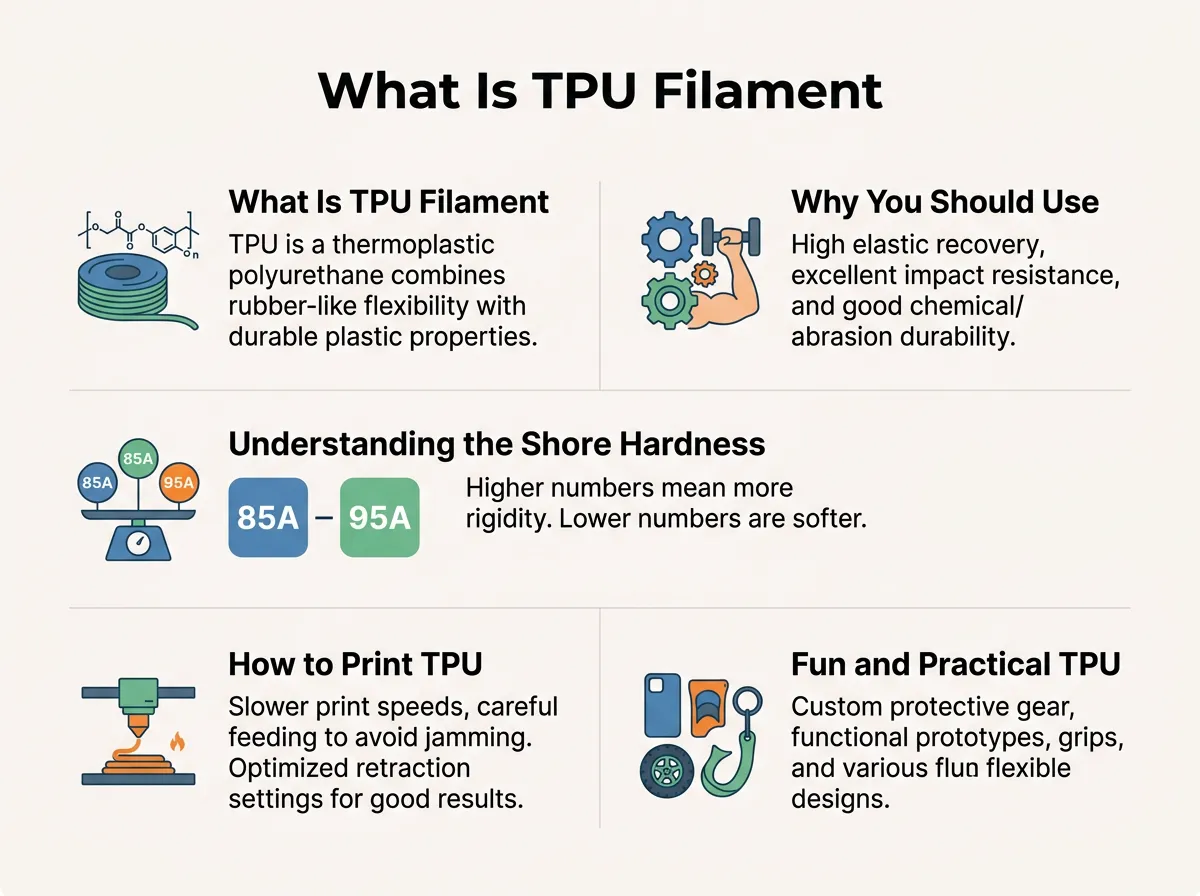
What Is TPU Filament? — key points at a glance
Amazing Flexibility and Elasticity
The most obvious benefit is flexibility. You can print a part, squeeze it, twist it, and it will snap right back into its original shape. This makes it perfect for parts that undergo constant movement. It will not crack or fatigue over time like PLA would.
Incredible Impact Resistance
Because TPU can deform under pressure, it is highly resistant to impacts. When you drop a TPU object, it absorbs the shock. This is why it is the gold standard material for protective gear. Drone pilots use it for camera mounts, and phone case makers rely on it to protect expensive screens.
Chemical and Environmental Resistance
TPU holds up incredibly well against the elements. It resists oils, greases, solvents, and chemicals. It also handles cold weather without becoming brittle. If you need to print a part for a car engine bay or an outdoor tool, TPU is a fantastic choice.
Understanding the Shore Hardness Scale
When you shop for TPU filament, you will notice numbers like 95A, 85A, or 60D on the spool. These numbers tell you how soft or hard the filament is. This is measured using the Shore Hardness scale.
What is the Shore Scale?
The Shore scale measures the resistance of a material to indentation. For flexible materials, we use the “A” scale. For harder plastics, we use the “D” scale. A higher number means a harder material. For example, a rubber band is around 20A, while a skateboard wheel is around 90A.
Choosing the Right Hardness
Most standard TPU filament on the market is rated at 95A. This is the sweet spot for 3D printing. It is flexible enough to bend, but rigid enough to feed through your printer easily. If you want something extremely soft, you might choose an 85A filament. However, keep in mind that softer filaments are much harder to print. If you want to explore more about industrial uses, you can read about TPU applications for real-world performance to see how different hardness levels perform in the field.
How to Print TPU Filament Successfully
We will not lie: printing with TPU can be tricky. Because it is flexible, it likes to bend and jam inside your printer. But do not worry! With the right settings, you can get perfect prints every time.
Direct Drive vs. Bowden Extruders
The type of extruder your printer has makes a huge difference. A direct drive extruder sits right on top of the print head. It pushes the filament directly into the hotend. This is ideal for TPU because there is nowhere for the soft filament to escape. A Bowden extruder pushes filament through a long tube. Printing TPU with a Bowden setup is much harder, as the filament can bunch up inside the tube like cooked spaghetti. If you have a Bowden printer, you must print very slowly and use a stiffer TPU, like 95A.
Perfecting Your Printer Settings
To get the best results, you need to adjust your slicer. First, slow down. Print at around 15 to 30 millimeters per second. Next, turn down your retraction settings. Retraction pulls the filament back to prevent stringing, but with TPU, too much retraction can cause jams. Many makers turn retraction off completely. Finally, set your nozzle temperature between 220 and 240 degrees Celsius, and keep your print bed at around 50 to 60 degrees Celsius.
Keep the Filament Dry
TPU is highly hygroscopic. This is a fancy word that means it loves to absorb moisture from the air. Wet TPU will pop, sputter, and leave ugly strings all over your print. Always store your spools in a dry box with desiccant. If your filament gets wet, you can dry it in a dedicated filament dryer or food dehydrator before printing. For a detailed walkthrough on setting up your machine, check out this handy TPU printing guide.
Fun and Practical TPU Filament Projects to Try
Now that you know how to print it, what should you make? The possibilities are endless. Here are a few great project ideas to get your creativity flowing.
Protective Cases and Covers
This is the most common use for TPU filament. You can design and print custom cases for your phone, tablet, or remote control. You can also print protective bumpers for GoPro cameras or drone frames. They look great and absorb impacts perfectly.
Functional Gaskets and Seals
Do you need to fix a leaky pipe or seal a custom box? You can print custom gaskets, O-rings, and seals. TPU resists water, oil, and heat, making it perfect for plumbing and automotive fixes.
Footwear and Wearables
Many shoe designers use TPU to print shoe soles and inserts. You can also print watch bands, bracelets, and cosplay armor. Because TPU is soft against the skin, it is comfortable to wear for long periods.
Conclusion
TPU filament is one of the most versatile materials in the 3D printing world. It bridges the gap between rigid plastics and soft rubber. While it requires a bit of patience and some setting tweaks, the results are well worth the effort. From shockproof drone parts to custom gaskets, TPU allows you to create functional, real-world objects that last. Grab a spool of 95A TPU, slow down your print speed, and start exploring the flexible side of 3D printing today!
Frequently Asked Questions
Is TPU filament stronger than PLA?
Yes, TPU is much stronger than PLA in terms of impact resistance and durability. While PLA is stiffer, it is brittle and snaps under sudden pressure. TPU absorbs shocks and bends instead of breaking, making it far more durable for functional parts.
Do you need a heated bed to print TPU?
A heated bed is not strictly required for TPU, but it is highly recommended. Setting your bed to 50°C to 60°C helps the first layer stick perfectly and prevents warping. If you do not have a heated bed, you can use blue painter’s tape to improve adhesion.
Can you reuse dry TPU filament?
Yes, you can dry and reuse wet TPU filament as many times as needed. Drying it in a filament dryer or a food dehydrator for 4 to 6 hours will restore its properties. Once dried, it will print beautifully without popping or stringing.
What is the best print speed for TPU?
The best print speed for TPU is slow, typically between 15 and 30 millimeters per second. Printing too fast causes the flexible filament to buckle and jam inside the extruder. Keeping the speed low ensures consistent extrusion and beautiful print quality.
Is TPU filament waterproof?
Yes, TPU is highly water-resistant and does not degrade when exposed to moisture. However, 3D prints are naturally porous, so water can seep between the print layers. To make a TPU print completely watertight, you must use high extrusion multipliers and thick walls.
Can you recycle TPU filament?
TPU is a thermoplastic, which means it can be melted down and recycled into new filament. However, most local recycling centers do not accept 3D printed waste. You must use specialized recycling programs or a home filament extruder to recycle your TPU scraps.
